
Completing the setup
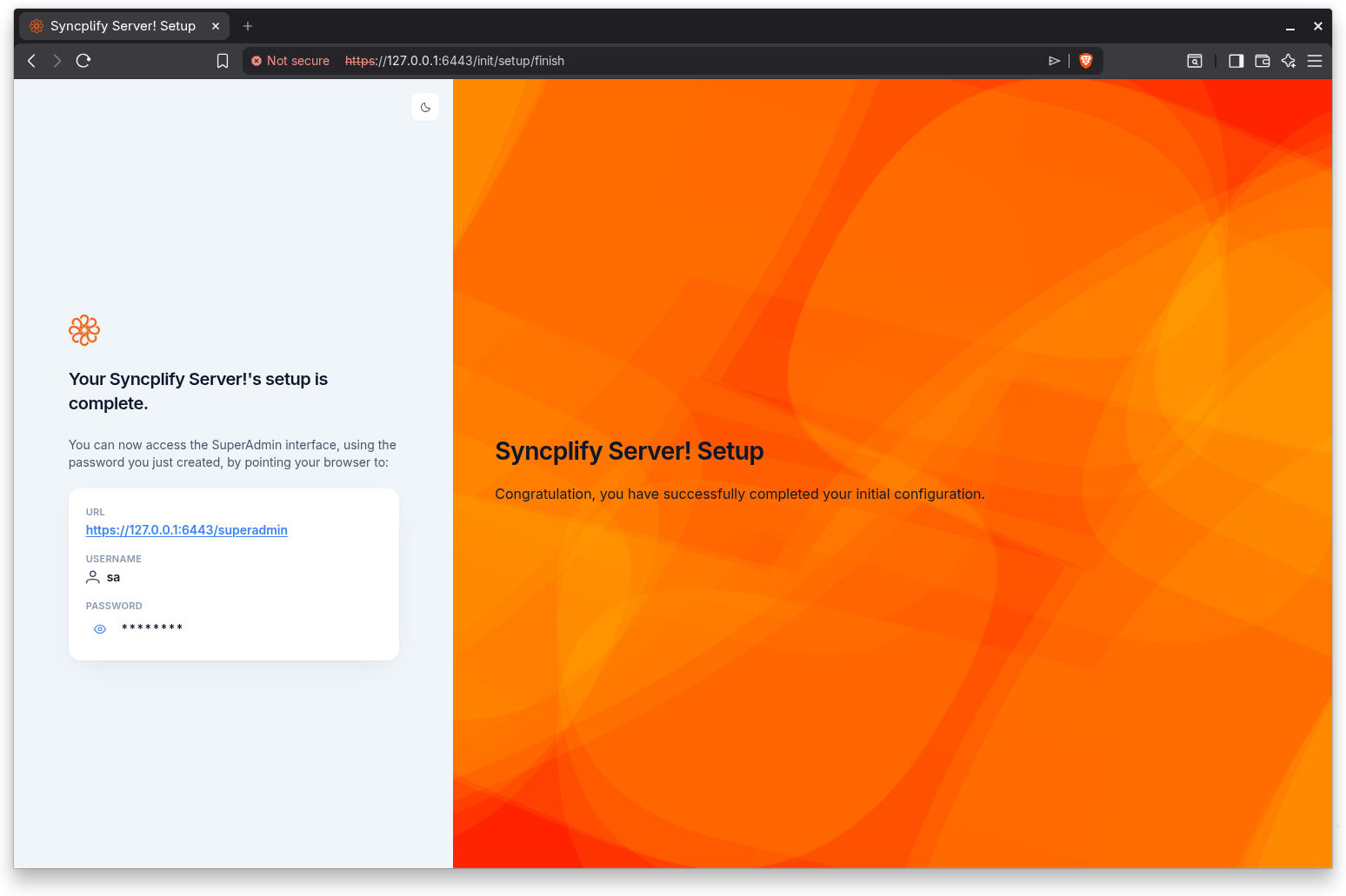
This is the final screen of the standalone path. It confirms that setup is complete and tells you how to reach the SuperAdmin interface. The heading reads "Your Syncplify Server!'s setup is complete." and the introduction congratulates you on successfully completing your initial configuration.
What this screen shows
The completion screen explains that you can now access the SuperAdmin interface, using the password you just created, by pointing your browser to the address shown. It then presents the three pieces of information you need to log in:
- URL. The address of the SuperAdmin interface on this server, shown as a clickable link.
- Username. The SuperAdmin username, which is always
sa. - Password. The password you created during setup. It is masked by default; click the eye icon to reveal it, and click again to hide it.
Logging in for the first time
Open the SuperAdmin URL in your browser, then sign in with the username sa and the password you set. If you enabled two-factor authentication in the previous step, you will also be prompted for the current code from your authenticator app.
This screen has no further steps; once you log in to the SuperAdmin interface, setup is finished and the wizard will not appear again.
Step indicator
The completion screen does not show a step indicator, because the numbered steps are complete at this point.