Shared links
This page describes what a recipient sees when they open a link that someone has shared with them. Recipients do not need an account on the server; they only need the link.
Opening a shared link
When a recipient opens a shareable link, the WebClient checks the share and then shows the right view for it. The page carries the same logo and theme as the rest of the WebClient, and the header shows the name of the shared object. When the share was set to reveal who shared it, the header also shows who that was.
A theme toggle and a Sign out button are available in the header. Selecting Sign out ends the recipient's access to the share and shows a confirmation that they have left it; the tab can then be closed safely.
Password protected shares
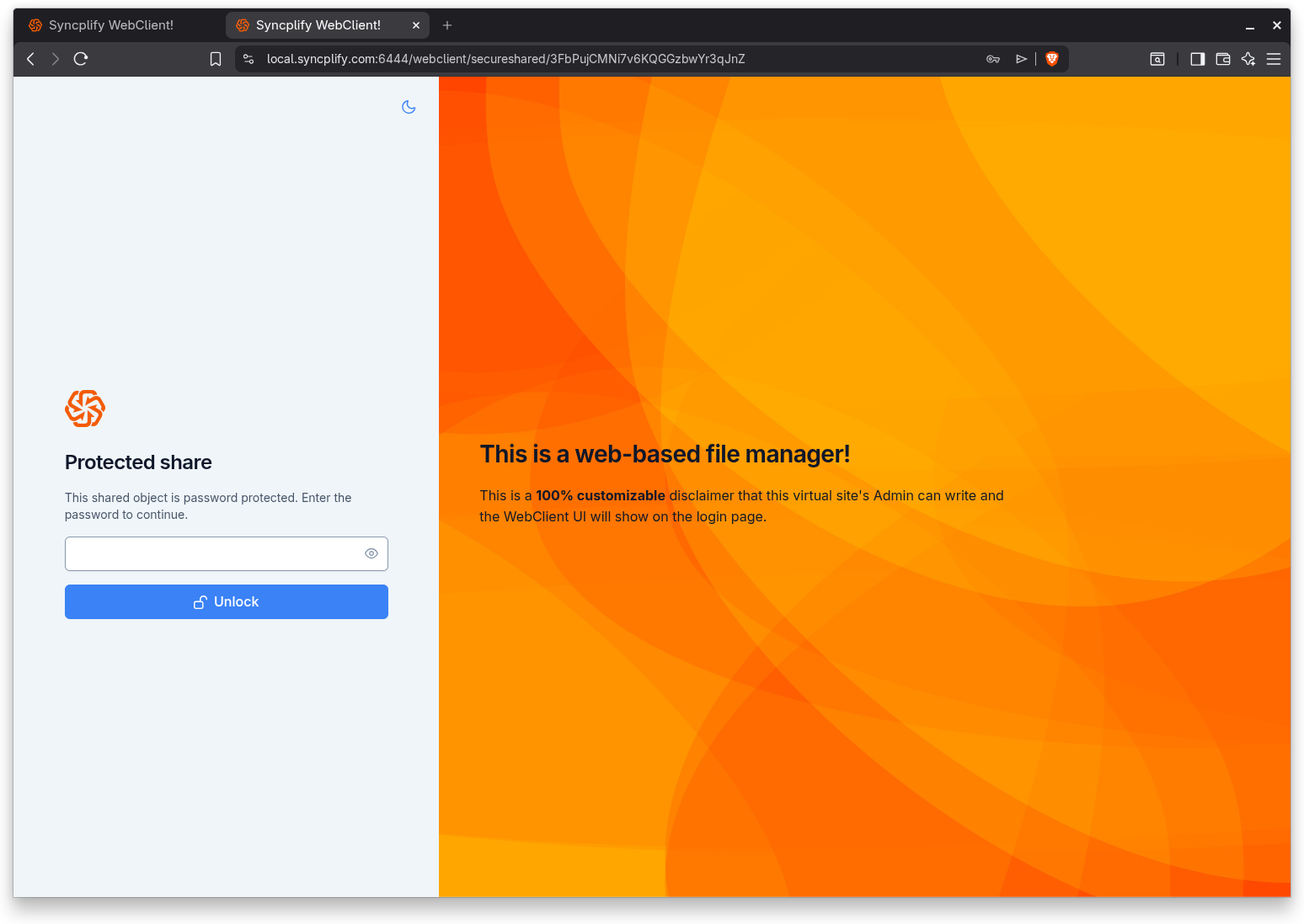
If the share is protected with a password, the recipient is sent to an unlock screen first. They enter the password and select Unlock. If the password is wrong, a message asks them to try again. Once the correct password is accepted, the share opens normally.
A single file share
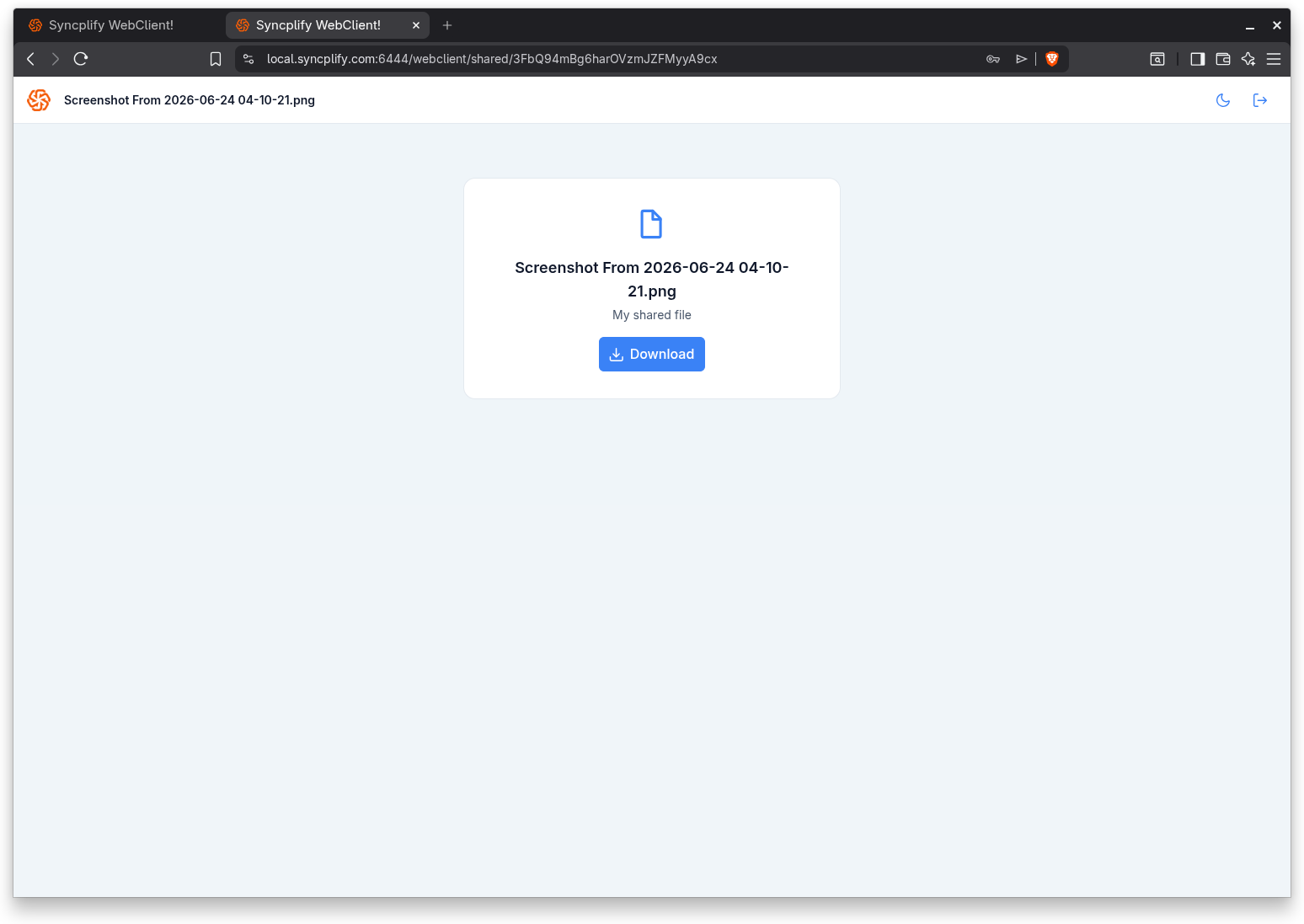
When the shared object is a single file, the recipient sees a simple download view: the file name, the description if one was provided, who shared it when that was revealed, and a Download button. Downloading the file is the only available action.
A folder share
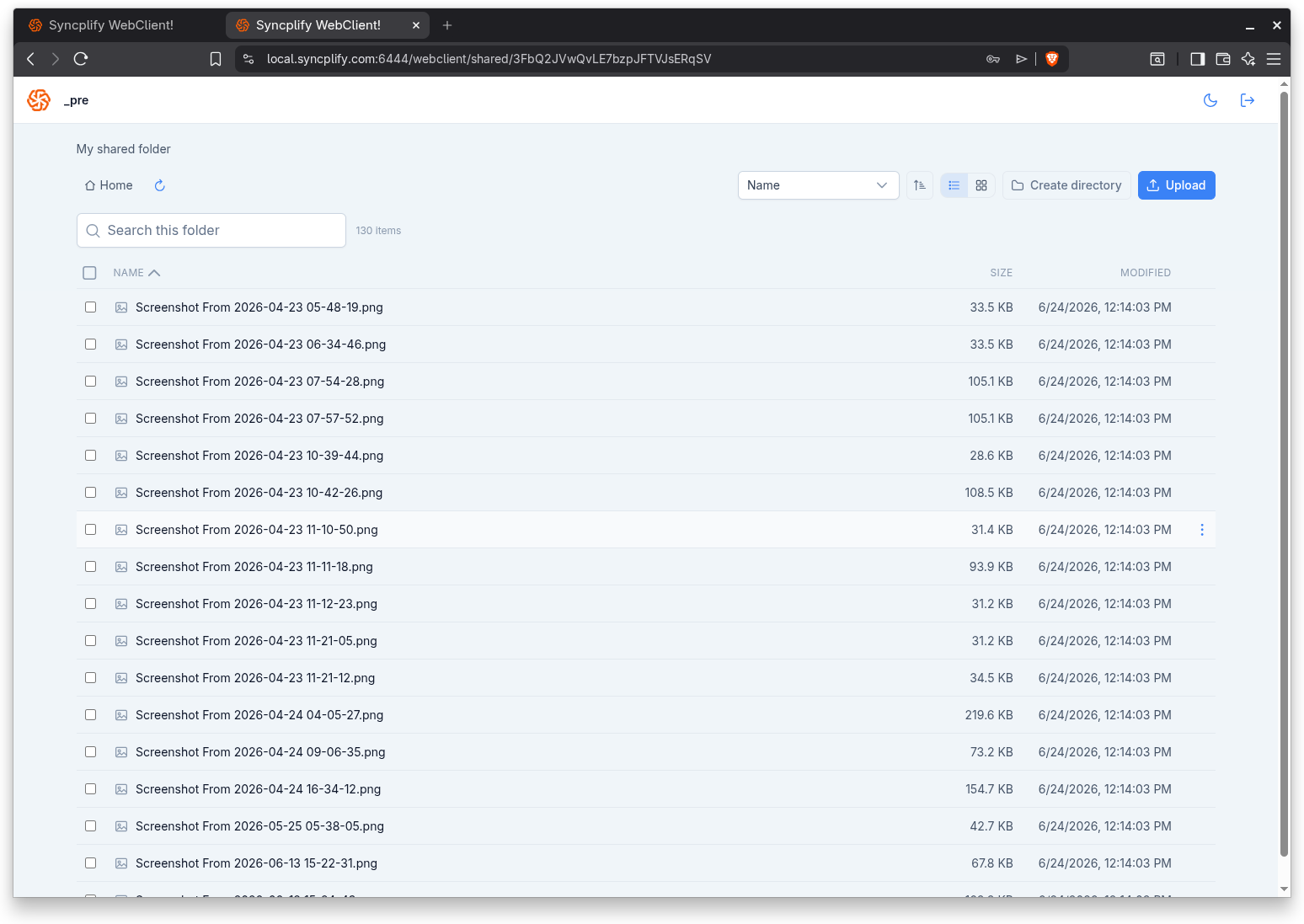
When the shared object is a folder, the recipient gets a file manager scoped to that folder. It works like the main file manager: list and grid views, search, sorting, and the actions the sharer granted. A recipient can always reach and list the shared folder, download from it when download was granted, and perform any other actions that were included in the share, such as uploading or creating folders. Just as in the main file manager, when many files are selected the zip download may be limited by the server, and the Download button is disabled with a tooltip when the selection is too large.