
Secrets
Secrets are named values your scripts can read at runtime. Use them to keep API tokens, passwords, and other sensitive values out of your script source.
Secrets are a license gated feature. If your license does not include scripting, the page shows a locked notice in place of the list and the New secret action is hidden.
Write only values
Secret values are write only. Only their names are listed on this page; the stored value is never returned to the browser. The page shows an information banner stating this. You can store or replace a value, but you can never read it back through the UI.
IMPORTANT
Write only applies to the management interface, not to scripting. A SyncJS script calls GetSecret(name) and receives the decrypted value, which is the entire point of the store. That means an administrator who holds the Scripts permission can read every secret in this virtual site whether or not they hold Secrets. See the note at the top of the Scripts page before delegating either one.
Secrets list
The list shows the names of all stored secrets, sorted alphabetically, in a single Name column. When no secrets exist, the page shows No secrets stored.
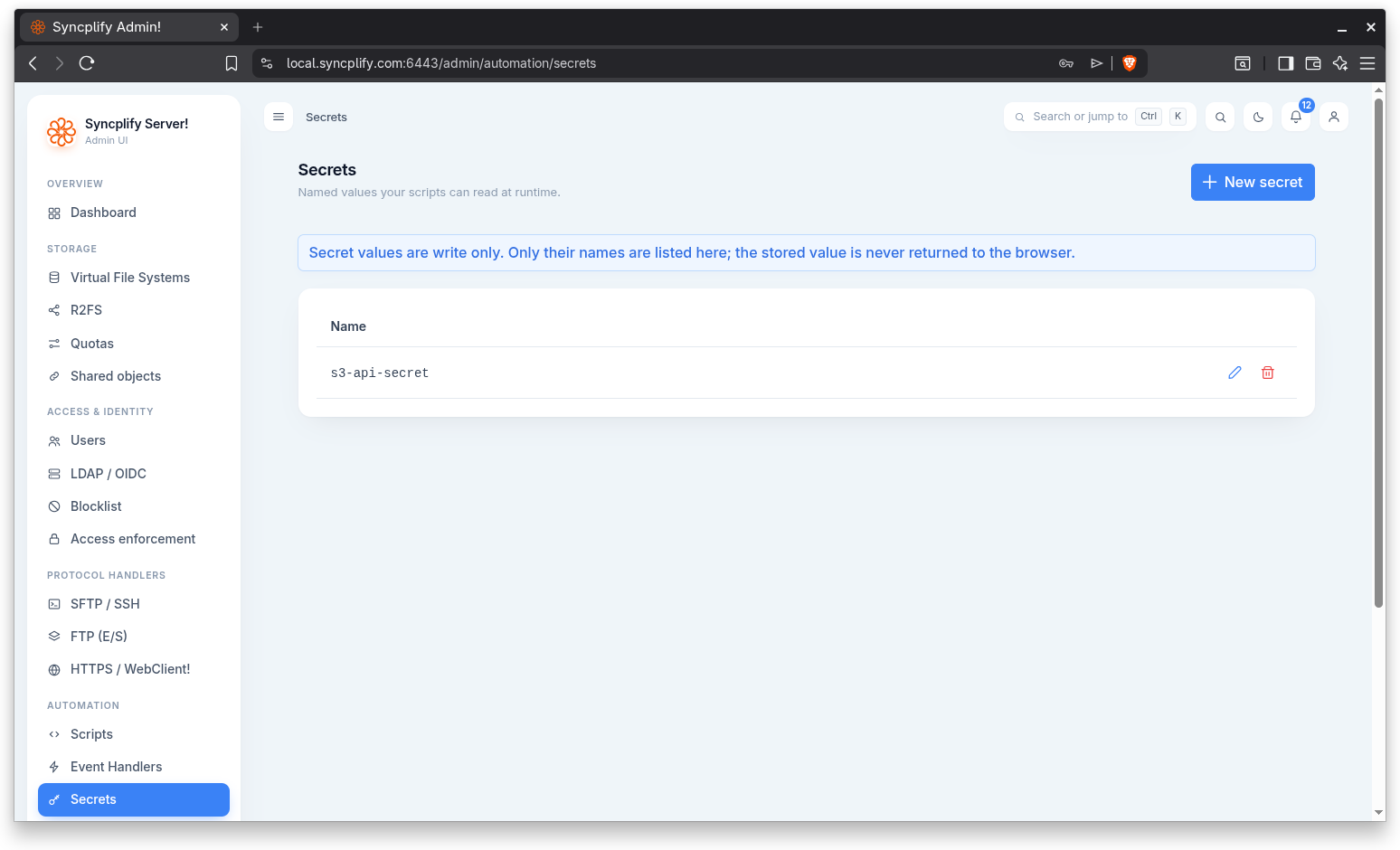
Create a secret
Click New secret to open the dialog, titled New secret.
The dialog has two fields:
- Name: the name your scripts use to look up the value. A name is required.
- Value: the secret value, entered in a masked field. A value is required.
Click Save to store the secret, or Cancel to discard.
Replace a secret value
Use the pencil icon on a row to replace the value of an existing secret. The dialog is titled Replace secret value. The Name field is filled in and locked, and the Value field starts empty because the current value is never returned to the browser. Enter the new value and click Save.
Delete a secret
Use the trash icon to delete a secret. You are asked to confirm before the secret is removed.