
Speed limits
The Speed limits page applies bandwidth caps by source address. These limits are evaluated against the address a session connects from. Per user limits are set separately on the user, not here.
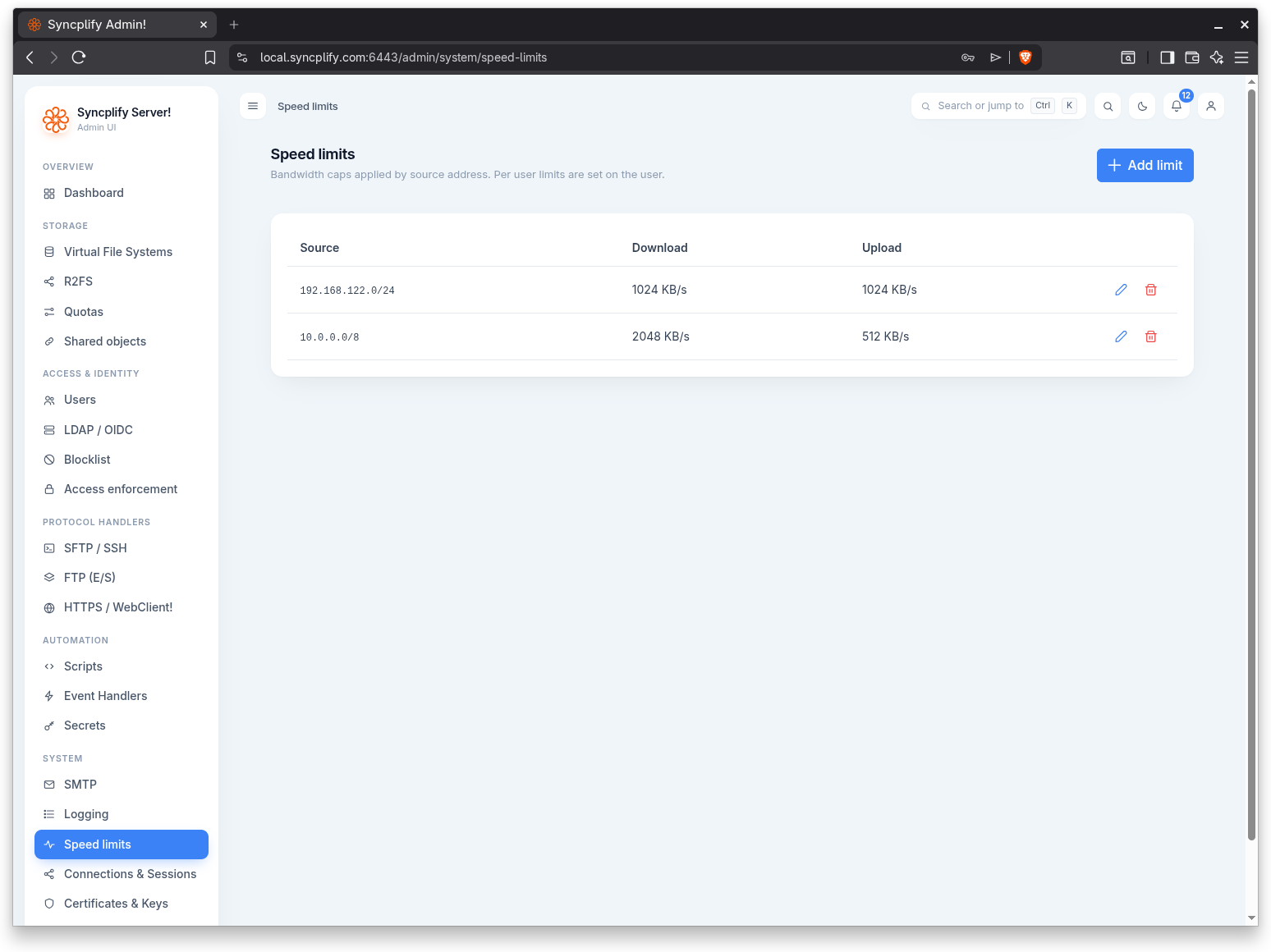
The list
Each configured limit is shown as a row with three columns:
- Source: the IP address or CIDR network the limit applies to.
- Download: the download cap, shown as a value in KB/s or as Unlimited.
- Upload: the upload cap, shown as a value in KB/s or as Unlimited.
When no limits exist, the list shows a "No speed limits" message.
Adding a limit
Use the Add limit button in the page header to open the editor.
The dialog has the following fields:
Source
An IP address or a CIDR network the limit applies to. The value is validated; an invalid entry is rejected with a message asking for a valid IP address or CIDR network.
Download (KB/s)
The maximum download rate, in kilobytes per second, for traffic matching the source. A value of 0 means unlimited.
Upload (KB/s)
The maximum upload rate, in kilobytes per second, for traffic matching the source. A value of 0 means unlimited.
Save the dialog to add the limit to the list.
Editing a limit
Use the pencil action at the end of a row to reopen the editor for that limit with its current values. Save to apply your changes.
Removing a limit
Use the trash action at the end of a row to remove a limit. A confirmation prompt names the source before the limit is deleted.