
Reporting
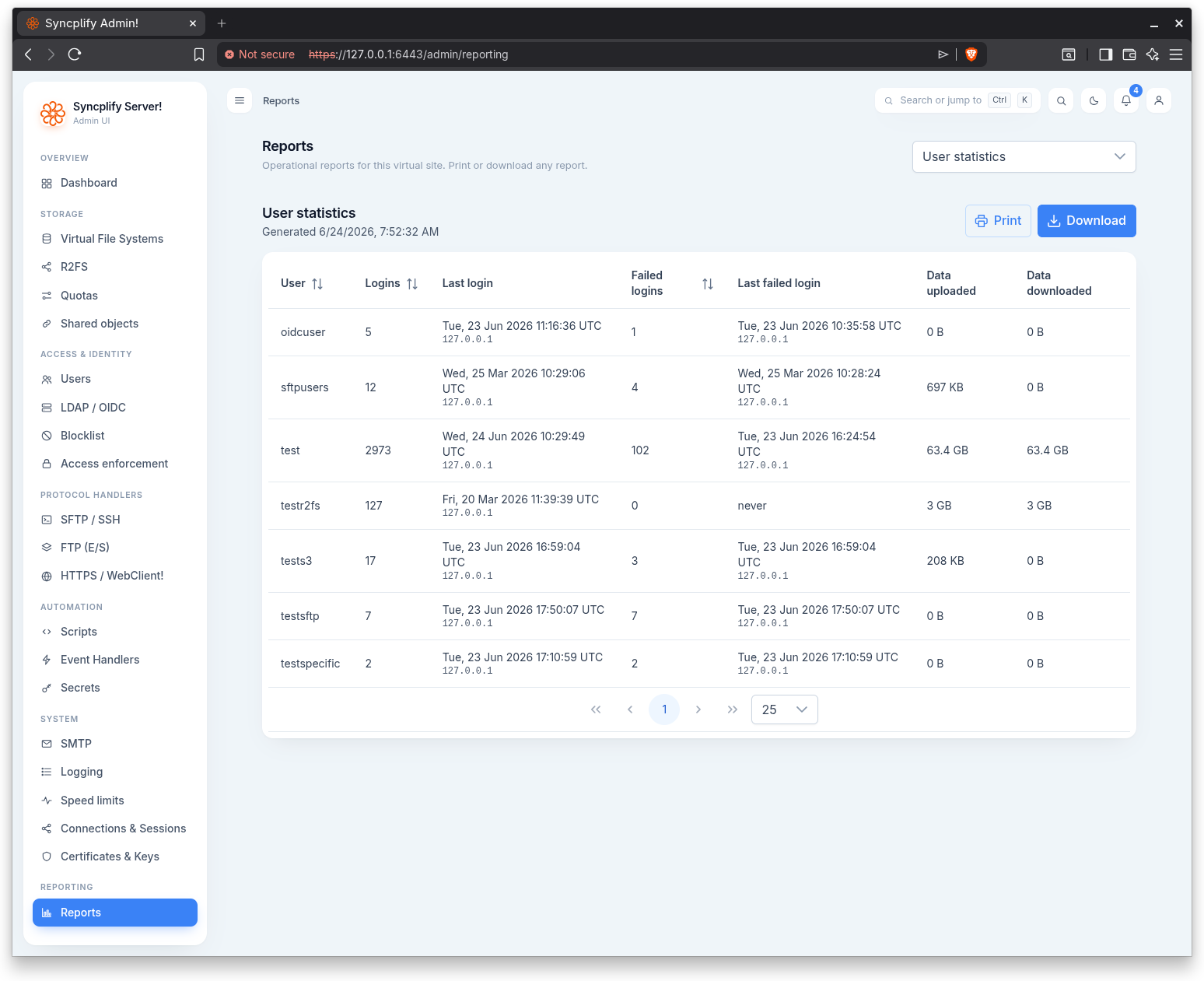
The Reporting page generates operational reports for the virtual site. A single page hosts every report; a picker in the top right selects which one to view.
Reporting is license gated. When the license does not cover it, the page shows a locked state with the edition required instead of the reports.
Choosing a report
The picker in the page header is a grouped, filterable dropdown. Reports are organized by category, and a filter box helps you find one as the catalog grows. Selecting a report renders it in the full width of the page below the header.
Reports by category
Access & identity
- VFS by user: each user and the virtual file systems mounted for them.
- Users by VFS: each virtual file system and the users that have it mounted.
- User inventory: every user account with type, status, protocols, MFA, and the number of enrolled passkeys.
- Authentication & MFA: the identity source mix, multi factor adoption, and how many users have passkeys enrolled.
- Inactive users: accounts that never signed in or have been idle for 90 or more days.
- Failed sign-ins: accounts with failed authentication attempts.
- Elevated access: users granted destructive permissions such as delete or symlink.
Security & compliance
- Shield bans: every address and network the Shield has banned, with the rule that fired, the protocol, the expiry and the blocked attempts.
- Certificates & keys: TLS certificate validity and SSH host keys.
- Security posture: a snapshot of the virtual site's security configuration, covering the Shield rules, password policy, connections and sessions, access lists, HTTP security headers, and CORS.
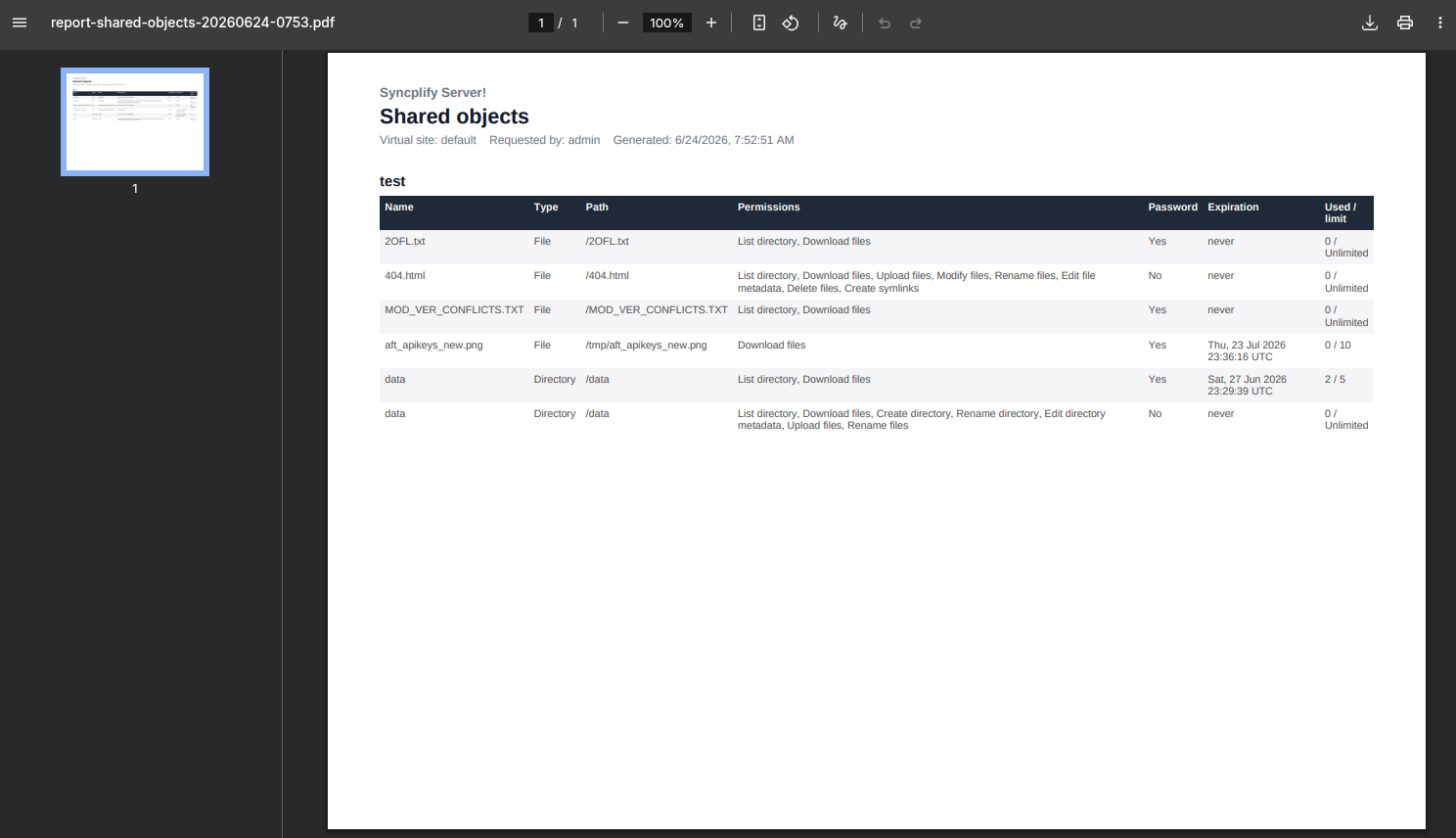
- Shared objects: every shared object, grouped by the user who created it.
Storage
- Storage inventory: virtual file systems, encryption, and quota usage.
Activity
- User statistics: per user login activity and transfer totals.
- Traffic & sessions: session, transfer, and security totals, shown both since the last start and all time.
- Unused app passwords: app passwords never used or idle for 90 or more days.
Automation
- Automation inventory: scripts and the event handlers that invoke them.
Exporting
Each report can be printed and downloaded. Downloads are available as PDF (for easy printing, archiving, and sharing), as well as JSON and CSV (for data analysis and integration).
WARNING
Reports are only available with certain license tiers, and based on the permissions given to your admin account by a SuperAdmin. If you don't see this section in the Admin UI, ask your SuperAdmin.