
Notifications
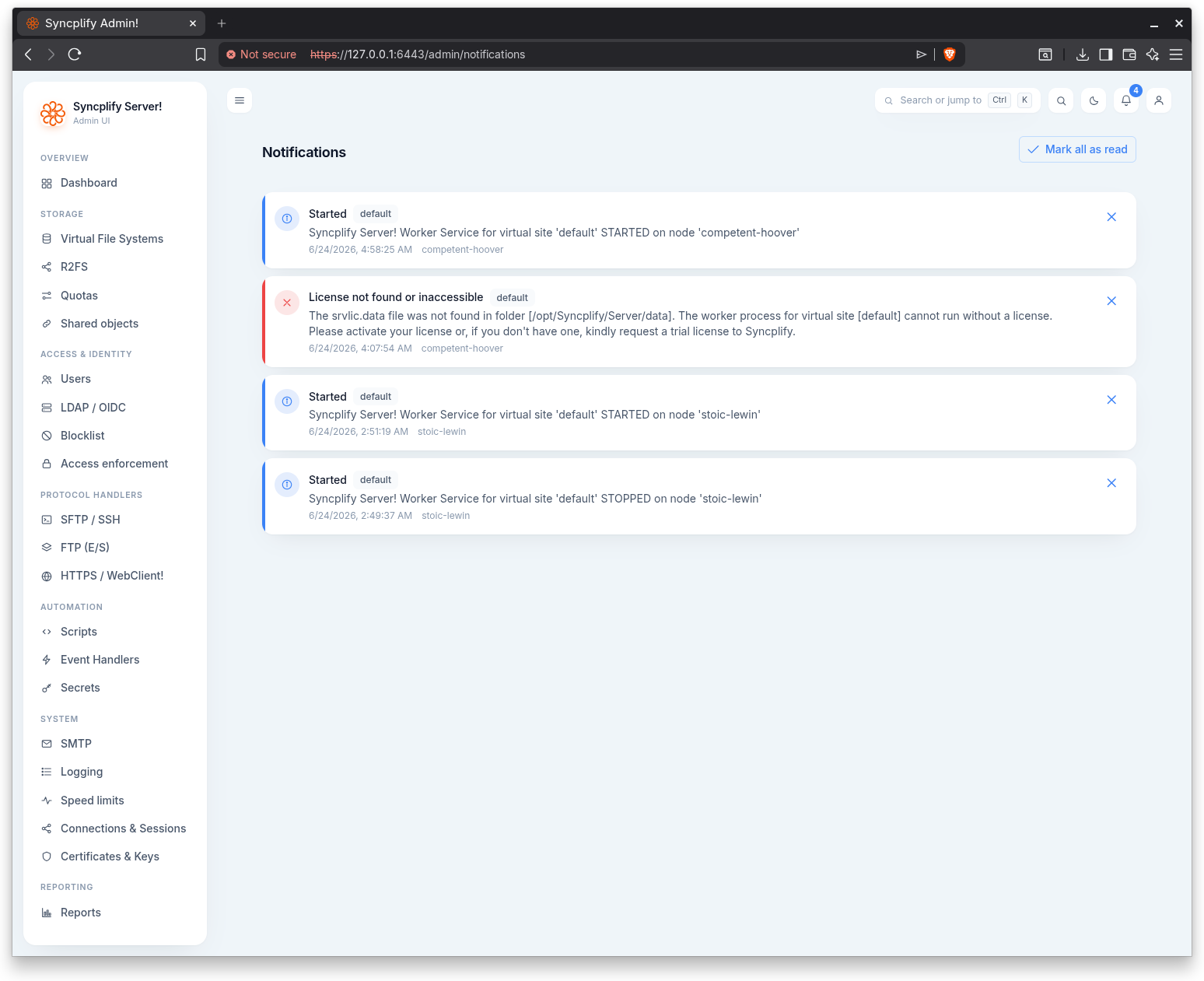
The Notifications page lists in app notifications raised for the virtual site. Open it from the bell in the top bar; the bell carries a badge with the number of unread notifications.
Reading notifications
Each notification is shown as a card with a colored accent that reflects its severity:
- Error.
- Warning.
- Information.
A card carries a title, an optional body, the virtual site it belongs to, the time it was created, and the originating node where applicable. Unread notifications are shown at full strength; acknowledged ones are dimmed.
Acknowledging
- Use the close control on a single card to mark that notification as read.
- Use Mark all as read in the page header to acknowledge every unread notification at once. The button appears only while there are unread notifications.
You can choose which notification severities are also emailed to you from your account Settings.