
The WebClient! UI
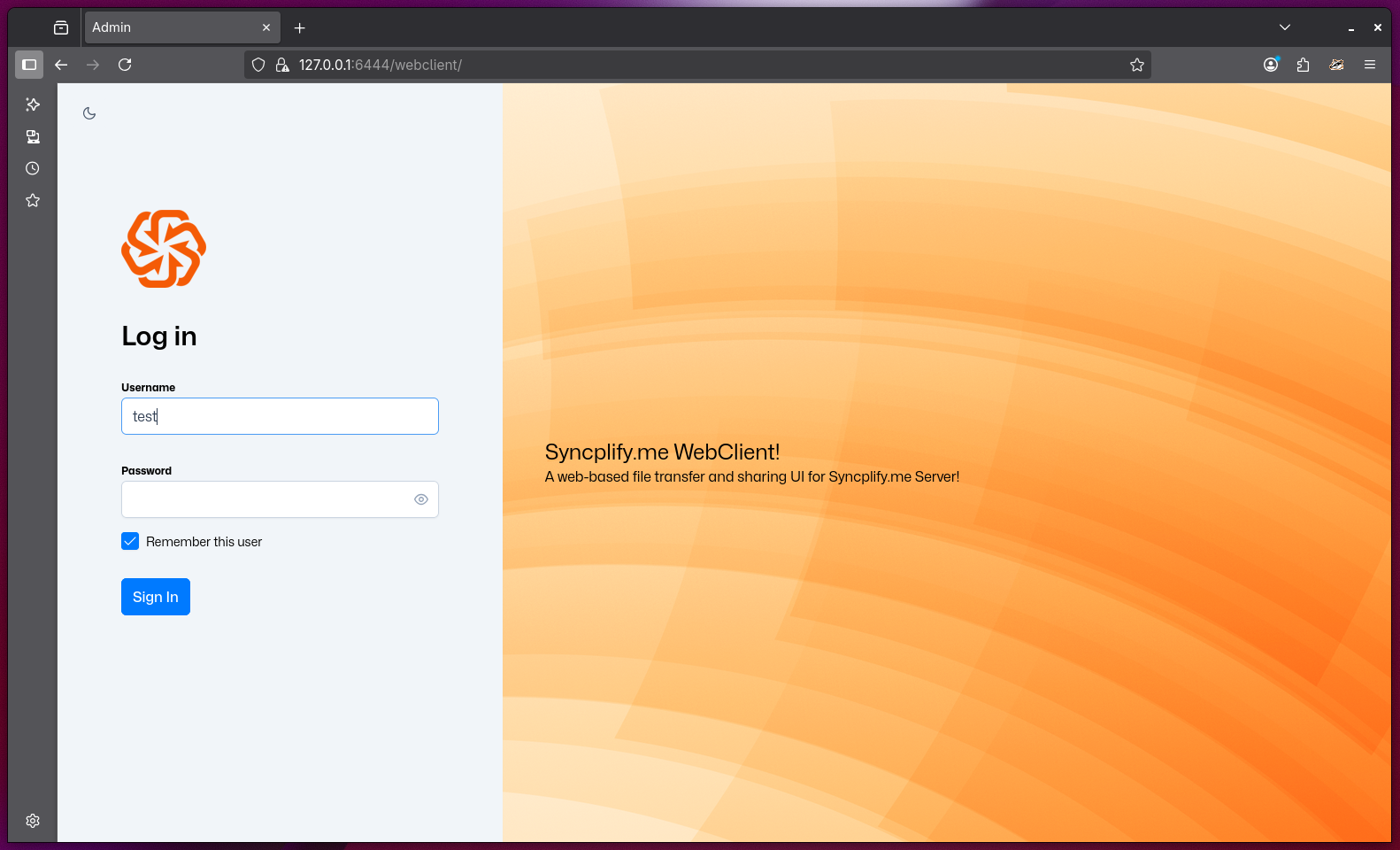
WebClient! is a modern, web-based user interface built into Syncplify Server! that enables secure file transfer and management directly from your web browser. Its purpose is to provide users with a powerful, intuitive, and platform-independent alternative to traditional SFTP/FTPS clients—no installation required.
Depending on your Syncplify Server! edition, WebClient! may be included by default or available as a paid add-on.
Key Features and Purpose
- Universal Access: Connect to your secure file-transfer server from any device with a web browser—Windows, macOS, Linux, tablets, or smartphones—without installing dedicated software.
- Full SFTP/FTPS Functionality: Perform all essential file operations (upload, download, rename, move, delete, etc.) with a user experience similar to popular desktop clients like FileZilla or WinSCP.
- Advanced Sharing: Create special links to share files and folders with third parties, with options for password protection, expiration dates, and access control.
- Modern Security: All transfers and operations are protected by the same robust security and compliance features as Syncplify Server! itself.
- No Client-Side Installation: Eliminate the need for end users to install or update any software—everything runs in the browser.
- Enhanced Collaboration: Empower users to collaborate and share securely, even with external partners, without IT intervention.
- Full Branding & Customization: UI colors, title, disclaimer, and logo are fully customizable, allowing you to deliver a truly "your-brand" experience to your users.
NOTE
WebClient! is ideal for organizations that want to provide secure, user-friendly file access and sharing to employees, partners, or customers, regardless of their device or technical expertise.