
Logging into the Admin UI
To access the Admin UI, open a web browser (any modern browser except Internet Explorer) and navigate to a URL constructed as follows:
sh
https://your.host.name:your_port/admin/Replace the placeholders with your actual server details:
- your.host.name: The hostname or IP address of your Syncplify Server!
- your_port: The administration/management port (default is 6443)
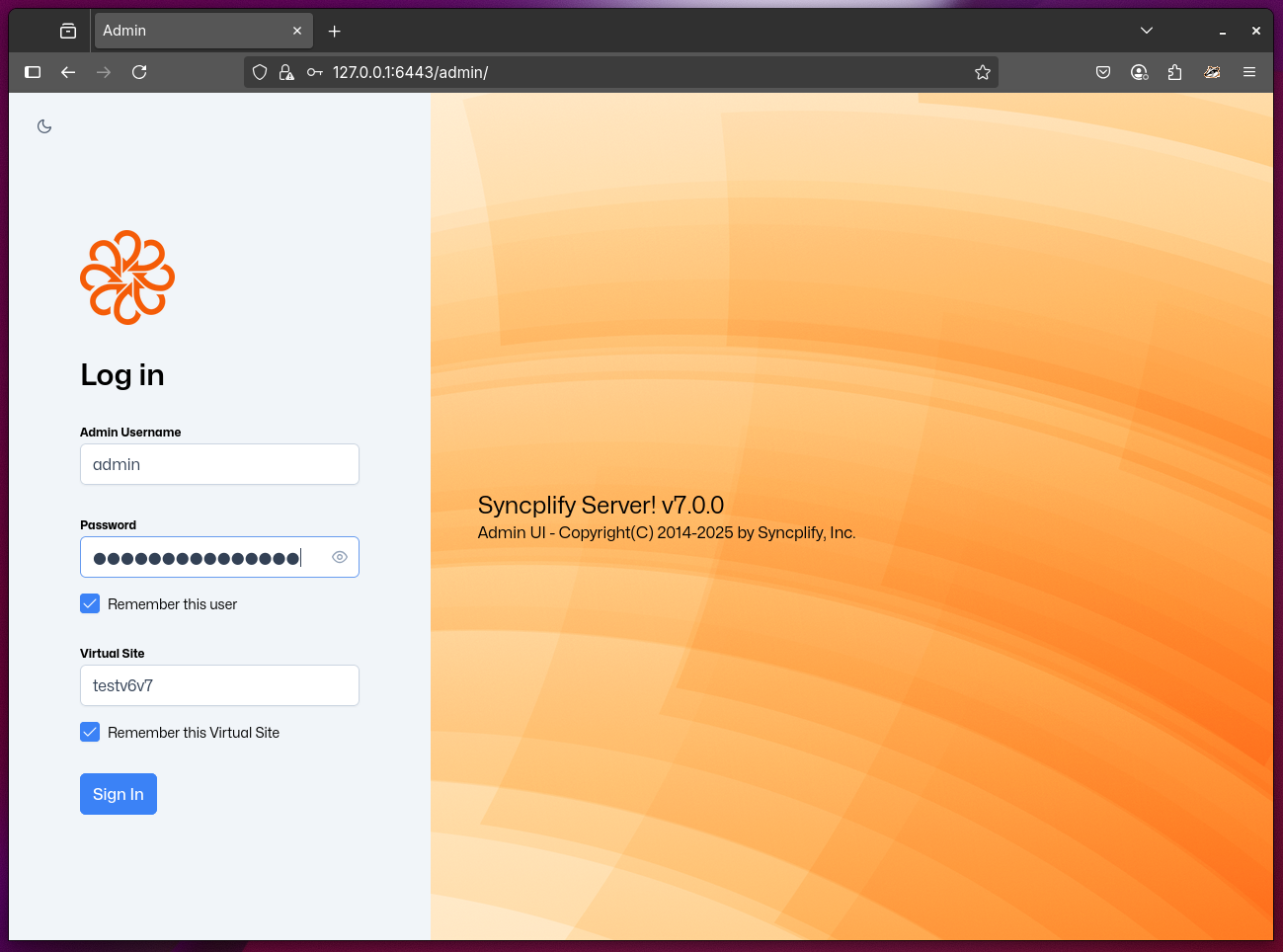
Example
If your server hostname is "demo.syncplify.com" and you're using the default administration port (6443), the complete URL for the Admin UI would be:
https://demo.syncplify.com:6443/admin/
Security Warnings
When accessing the Admin UI, your browser may display security warnings, especially if:
- You're using a self-signed certificate
- You're accessing the server via its IP address instead of a hostname
- The certificate doesn't match the hostname you're using
These warnings are normal and expected in these scenarios. It is safe to accept the security exception and proceed to the Admin UI login page.