
Certificates
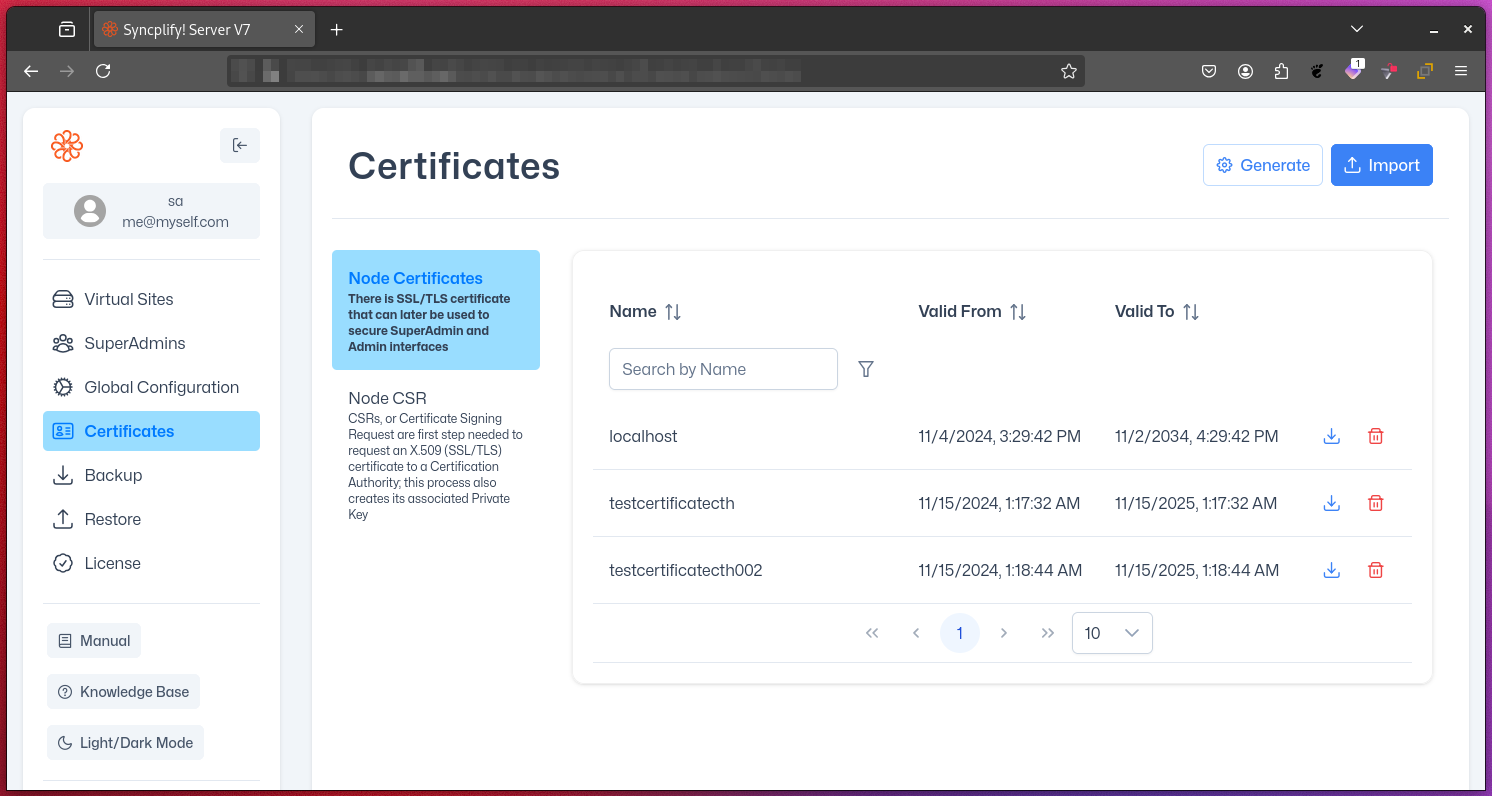
The Certificates page in the SuperAdmin UI provides comprehensive tools for managing digital certificates used by Syncplify Server!. This interface allows you to create, import, and manage certificates, which are crucial for secure communications and server authentication.
Key Functions
1. Creating Self-Signed Certificates
Self-signed certificates are useful for testing or internal use:
- Generate certificates directly within the SuperAdmin UI
- Specify certificate details such as Common Name, Organization, and validity period
- Ideal for development environments or internal testing
NOTE
While convenient, self-signed certificates are not trusted by default in most client applications and may trigger security warnings.
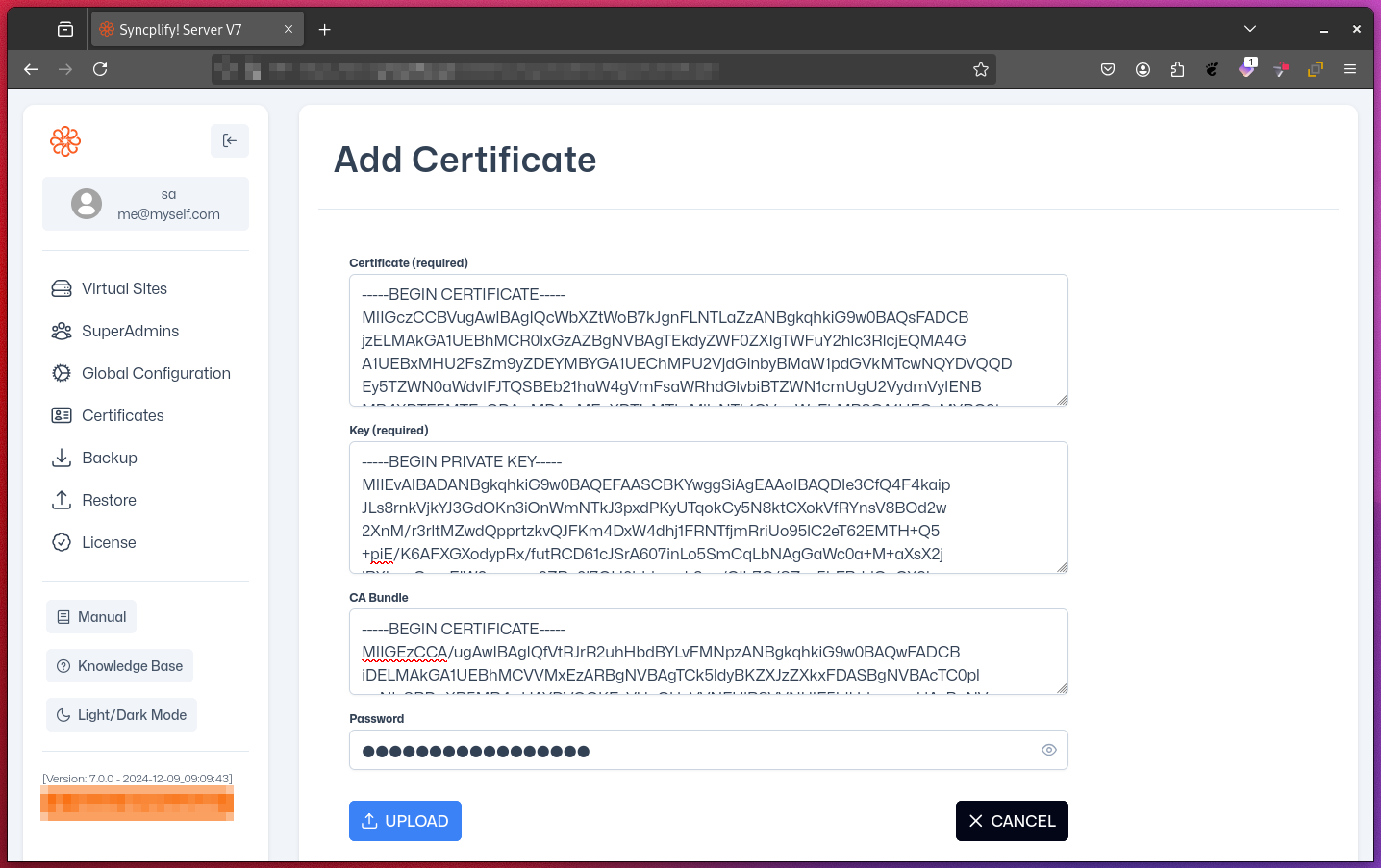
2. Importing Certificate Chains
For production environments, you can import full certificate chains issued by a trusted Certificate Authority (CA):
- All parts of the certificate chain you import must be in PEM format (Base64-encoded files with
-----BEGIN CERTIFICATE-----and-----END CERTIFICATE-----headers) - You can import entire certificate chains, including intermediate and root certificates
- This ensures a proper chain of trust and maximum client compatibility
3. Creating Certificate Signing Requests (CSRs)
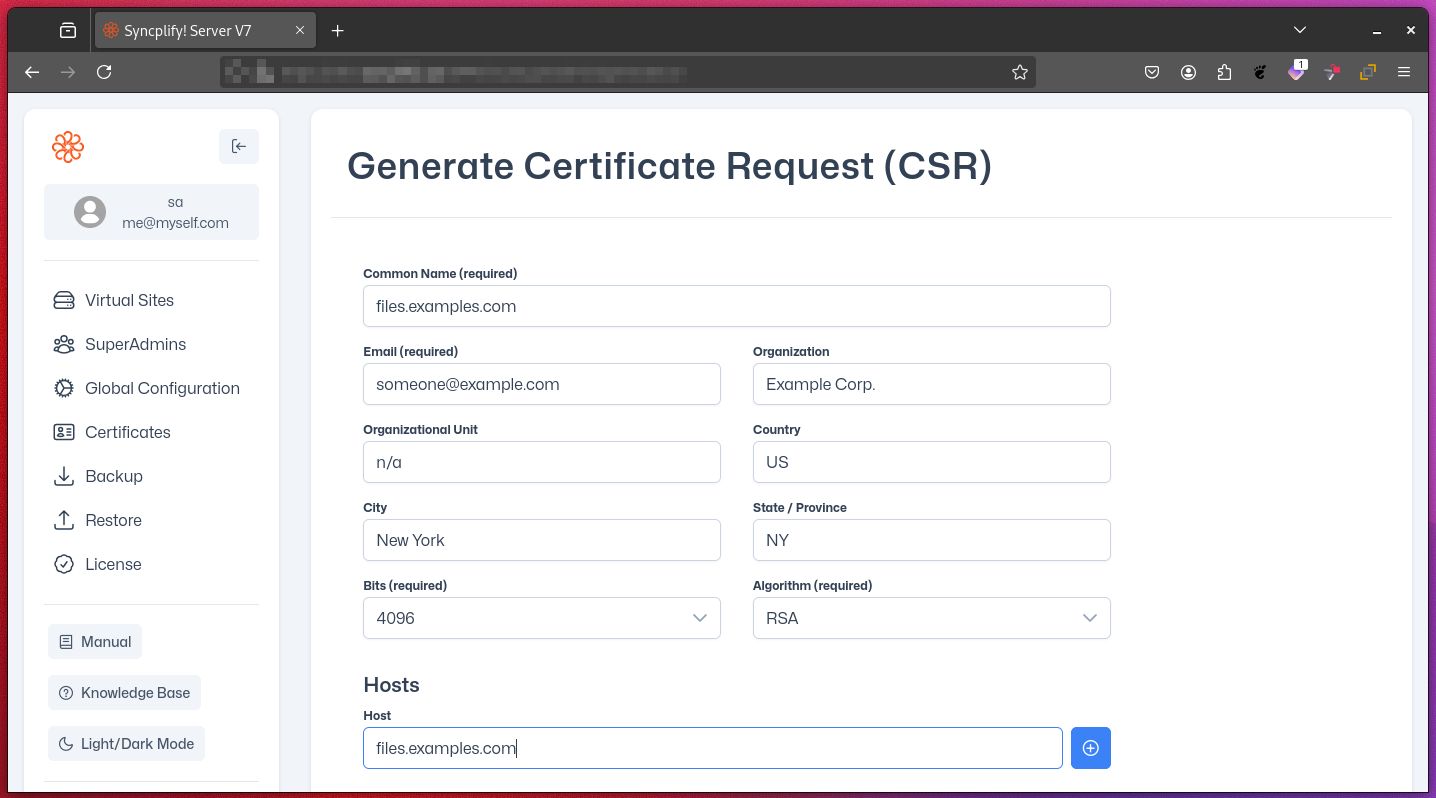
When you need a certificate from a CA, you can generate a CSR:
- Specify all necessary certificate details within the UI
- Generate a CSR file to submit to your chosen CA
- Be sure to securely store the associated private key for later use (private keys should never be shared or transmitted)
4. Importing CA-Issued Certificates
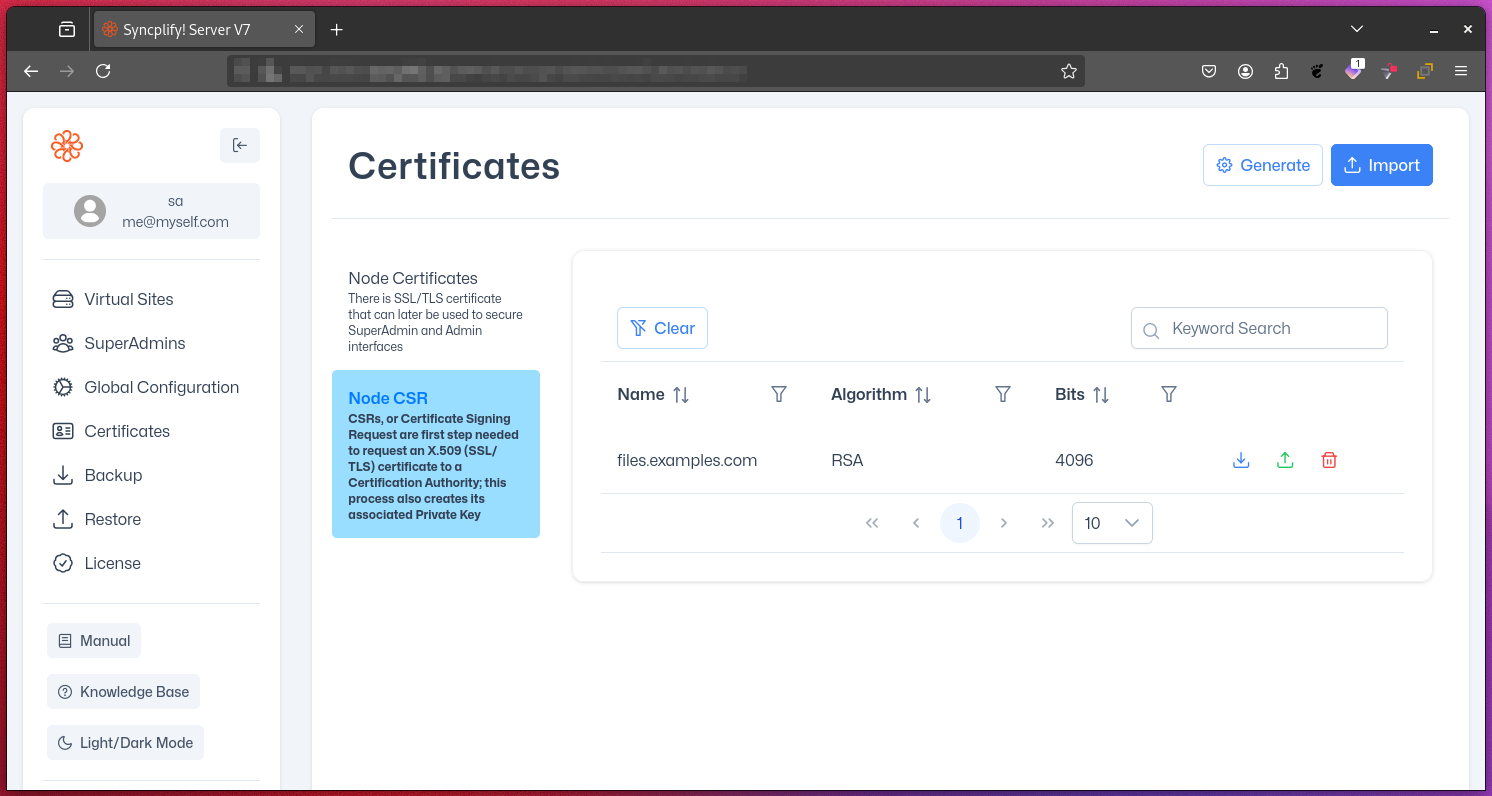
After your CA processes your CSR and issues a certificate:
- Import the newly issued certificate
- The system will automatically match it with the previously generated private key
- This completes the certificate installation process
Best Practices for Certificate Management
- Regularly audit your certificates to check for upcoming expirations (certificate expiration warnings may also appear in the UI notifications)
- Use strong key sizes (e.g., 2048-bit RSA or higher) for improved security
- Implement a process for timely certificate renewal
- Keep private keys secure and limit access to authorized personnel only
Troubleshooting Common Issues
- Ensure all parts of the certificate chain are included when importing
- Verify that the Common Name (CN) matches your server's hostname
- Check for compatibility issues between your certificate's encryption algorithm and client requirements
Additional Considerations
- Consider using wildcard certificates if you need to secure multiple subdomains
- Explore automated certificate management solutions for larger deployments
- Stay informed about the latest standards and best practices in SSL/TLS security
By effectively utilizing the Certificates page in the SuperAdmin UI, you can maintain robust security for your Syncplify Server! instance, ensure encrypted communications, and build trust with your users and clients.