
SafeList and AllowList
This section allows you to configure your Server!'s Safe-List and Allow-List. For correct server operation, it is crucial to understand exactly what these lists are, how they work, and how to configure them properly.
Quick Comparison
| List | Purpose | Restricts Access? | Interaction with Protector™ |
|---|---|---|---|
| Safe-List | Prevents listed IPs/networks from being blacklisted by Protector™ | No | Session can be kicked, but IP is never auto-blocked |
| Allow-List | Only allows listed IPs/networks to connect if the list is not empty | Yes (if not empty) | No effect on Protector™ |
List Descriptions
- Safe-List: A list of IP addresses and networks (CIDR) that can never be blacklisted by Protector™, regardless of whether their activity is suspicious. If a client acts suspiciously, Protector™ will still kick its session and disconnect it, but if that client IP address is Safe-Listed, it will not be automatically added to the Block-List.
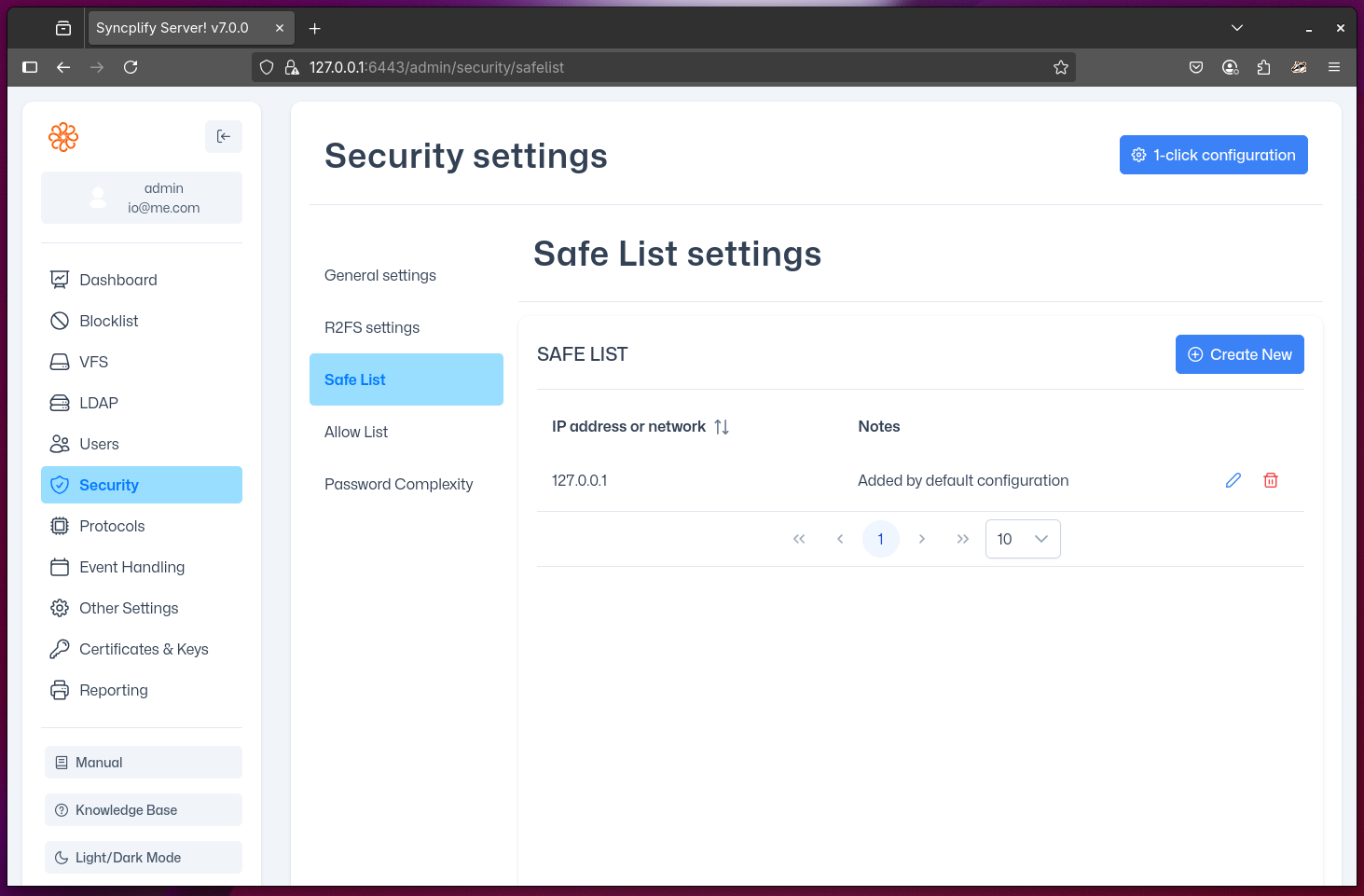
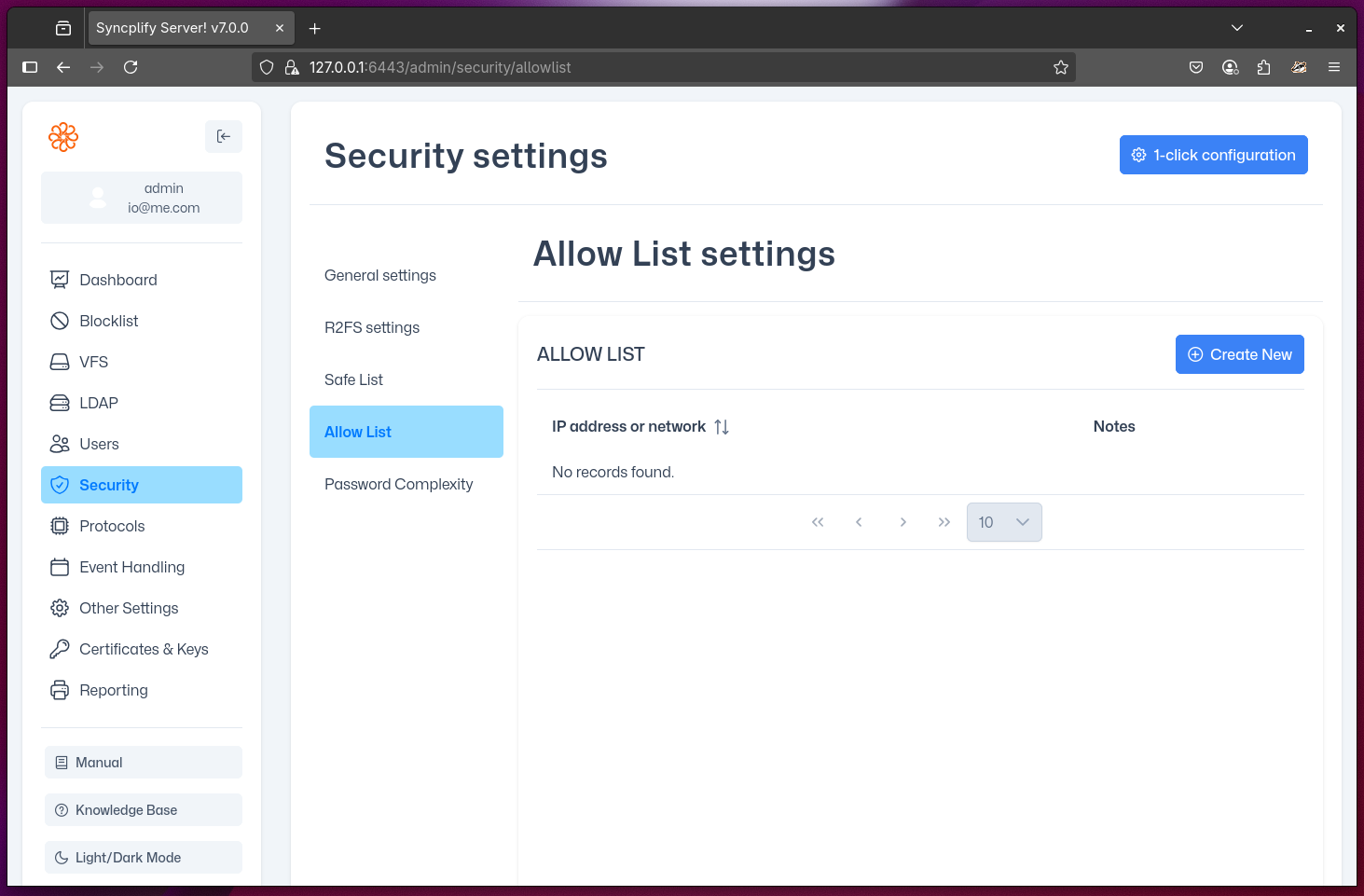
- Allow-List: If this list is empty, there are no restrictions on the source of client connections. However, if there is even one IP address or network (CIDR) in this list, then only those listed are allowed to connect to your Server!. When not empty, this list becomes restrictive and only allows clients to connect from Allow-Listed IP addresses.
WARNING
The Allow-List is restrictive when not empty. If you add any IP or network, all other sources will be denied access—even if they are on the Safe-List.
NOTE
The Safe-List does not guarantee access if the Allow-List is restrictive. An IP must be on the Allow-List (if not empty) to connect, regardless of Safe-List status.
Troubleshooting & Tips
- If a client cannot connect, check if the Allow-List is not empty and whether their IP/network is included.
- Remember: Safe-List only prevents auto-blocking by Protector™; it does not grant access if the Allow-List is restrictive.
- Use CIDR notation carefully to avoid unintentionally allowing or blocking large ranges of addresses.
- Review both lists regularly to ensure they match your security policy and operational needs.