Logging Configuration
Syncplify Server! features a flexible logging subsystem. This section allows you to configure detailed logging options based on your chosen log output.
Log Levels
There are five log detail levels. Each level includes all the information from the levels above it:
- Error: Logs only errors. No user activity or session information is recorded.
- Warning: Logs errors and warnings.
- Information: (Recommended for normal operation) Logs errors, warnings, and user activity.
- Debug: Adds troubleshooting details to the above.
- Trace: Logs everything, producing very large output. Use only for development or when instructed by Syncplify support.
Log Output Options
You can choose to output logs to one of the following destinations:
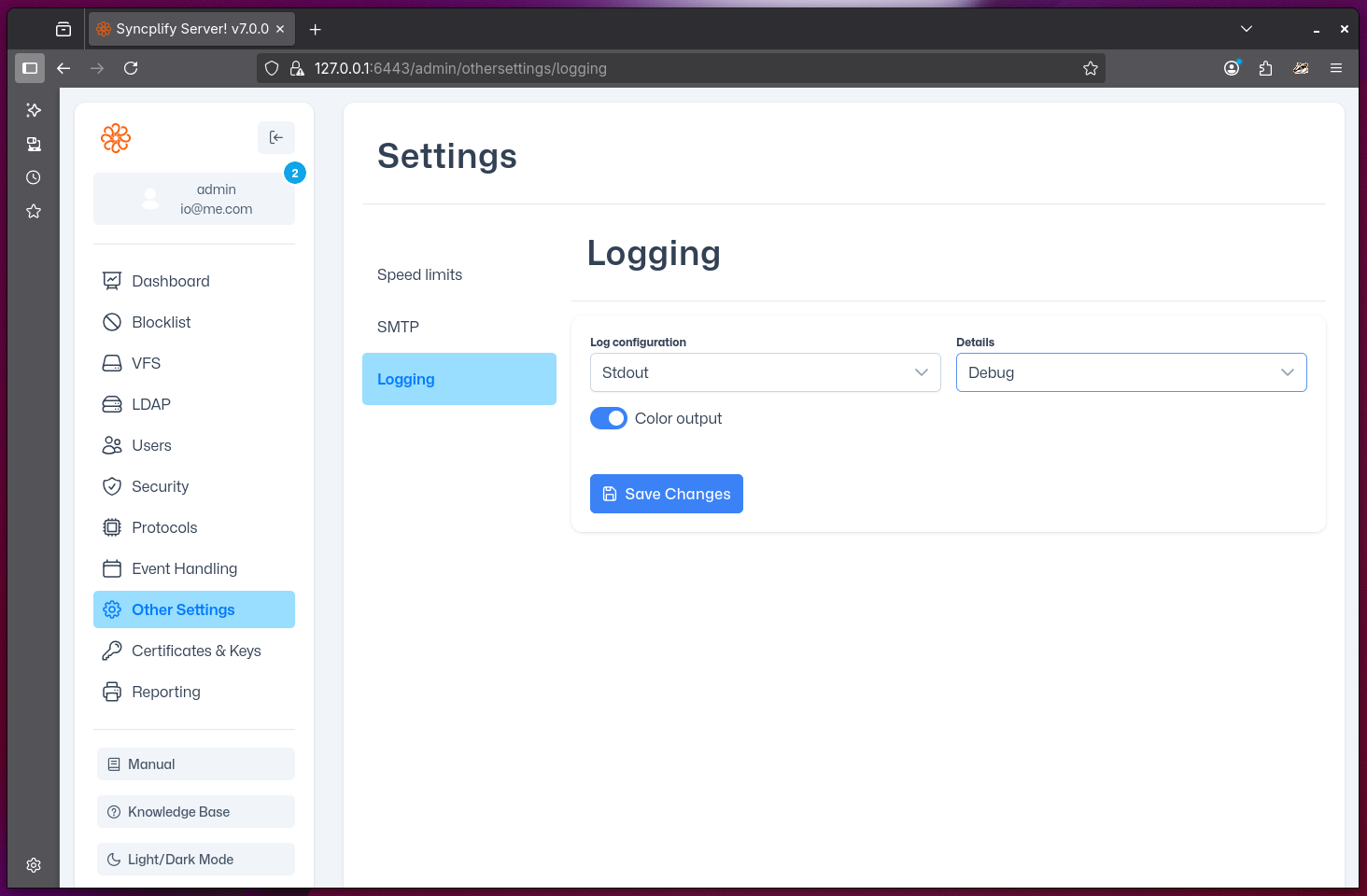
stdout: Logs are written to the server's standard output (useful for containerized or cloud deployments).
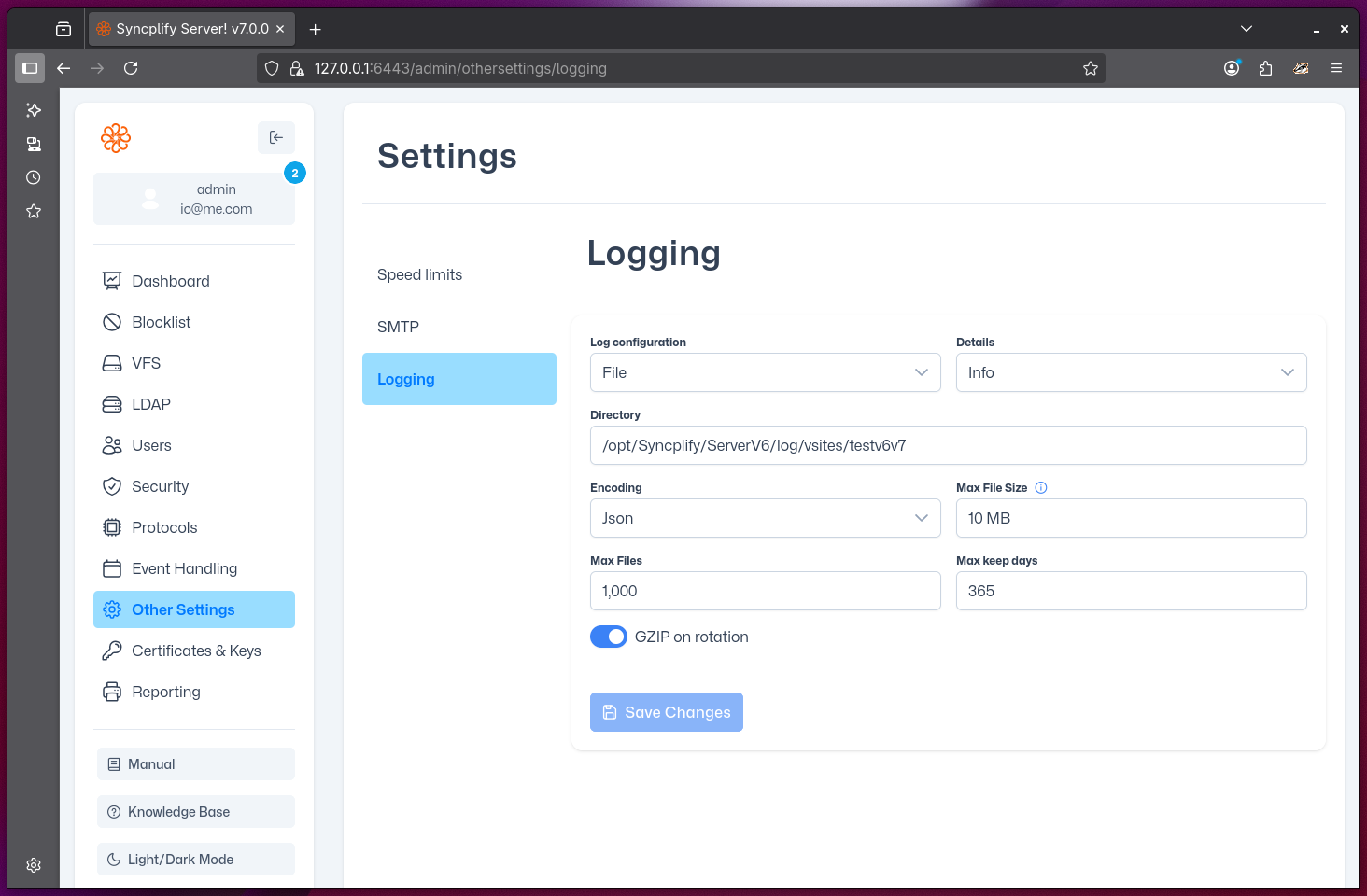
file: Logs are saved to a file on disk. You can configure file rotation and retention settings.
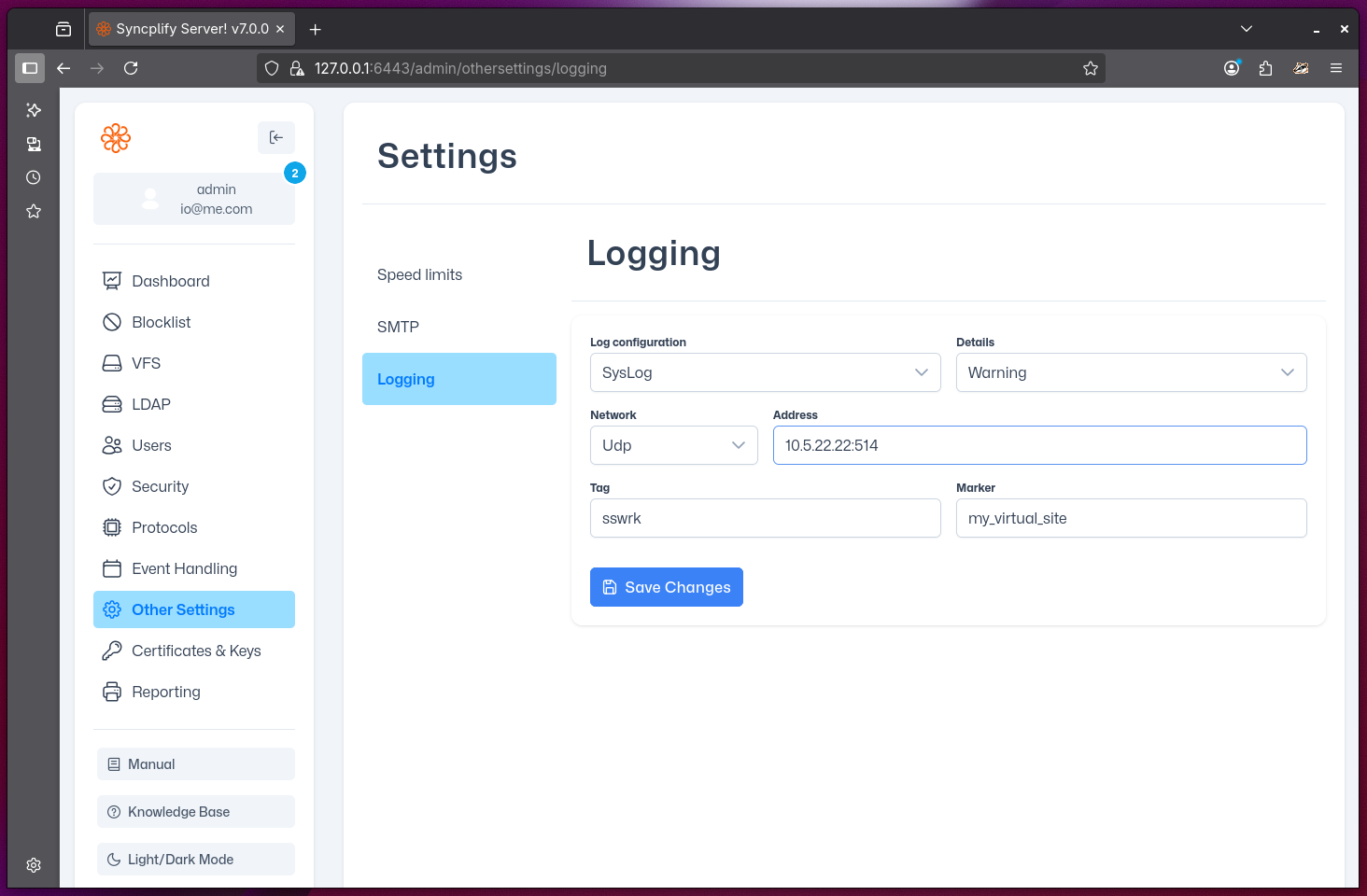
syslog: Logs are sent to a syslog server, allowing integration with centralized logging and monitoring systems.