
License Management
The License page in the SuperAdmin UI is essential for controlling and maintaining your Syncplify Server! software license. You must have a valid license—either trial or full—to use the software.
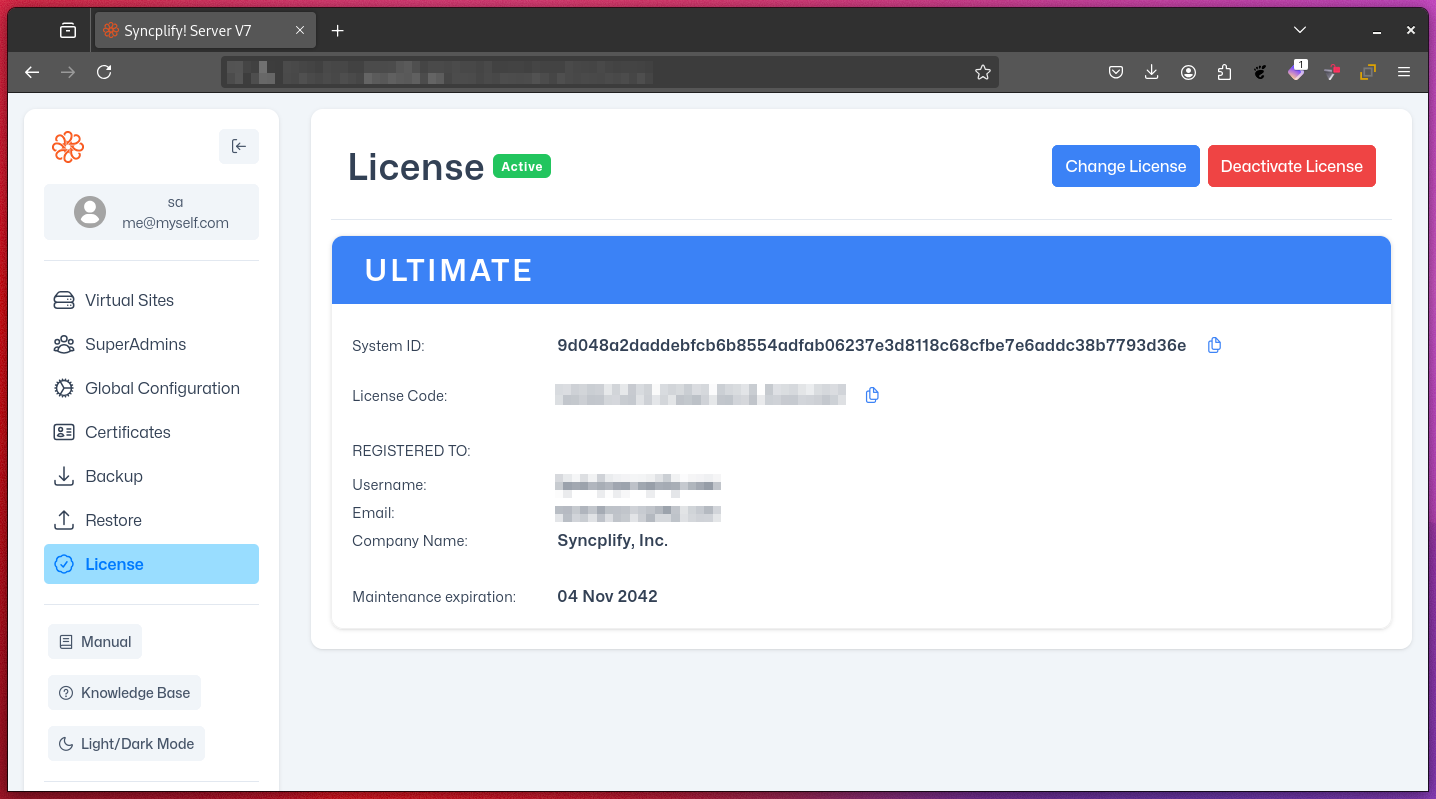
Key Functions
1. Requesting a TRIAL License
- A trial license is required to start using Syncplify Server! unless you already have a full license.
- Request a time-limited trial license directly from the SuperAdmin UI.
- The trial license is automatically activated upon receipt.
- The trial period allows you to explore all features of the software.
- To automatically request and activate a TRIAL license your server must have outbound Internet access (TRIAL licenses cannot be requested offline).
- Note: A trial license is one-time per installation and cannot be extended or reused.
2. Activating a Full License
After purchasing a full license, you can activate it in one of two ways:
Online Activation
- Requires a direct internet connection to
https://cc.syncplify.com(no proxies or firewalls blocking access). - Automatically validates your license key and activates your software immediately.
Offline Activation
- For systems without internet access (air-gapped or isolated).
- Generate a request file in the SuperAdmin UI.
- Upload the request file to your Syncplify Customer Center Portal from another device to obtain an offline activation code.
- Enter the offline activation code in the SuperAdmin UI to complete activation.
- Important: Do not alter the request or response files.
3. Deactivating a License
- Deactivation is used only to transfer your license to a different machine or VM.
- Once deactivated, the license cannot be reactivated on the same machine or VM.
- You cannot use the same license on more than one machine or VM at the same time.
- Warning: Deactivation is permanent for that machine or VM and cannot be undone.
License Management Best Practices
- Make sure your spam filter allows emails from
not@syncplify.me; this is the email address we use to notify you of expiring maintanance plans and othe license-related events that require your attention. - Regularly check your license status and the expiration date of your maintenance/support plan.
- Keep your license key in a secure place.
- Plan ahead for maintenance/support renewals. An active maintenance/support plan is required for updates, upgrades, and customer support.
- Note: If your maintenance/support plan expires, your software will continue to work, but you will not be able to install updates or receive support.
Troubleshooting
If you encounter issues with license activation or deactivation:
- Verify your internet connection for online activations.
- Double-check your license key (it is case-sensitive and should not have leading or trailing spaces).
- Ensure your system time is set correctly.
- If problems persist, contact Syncplify support.