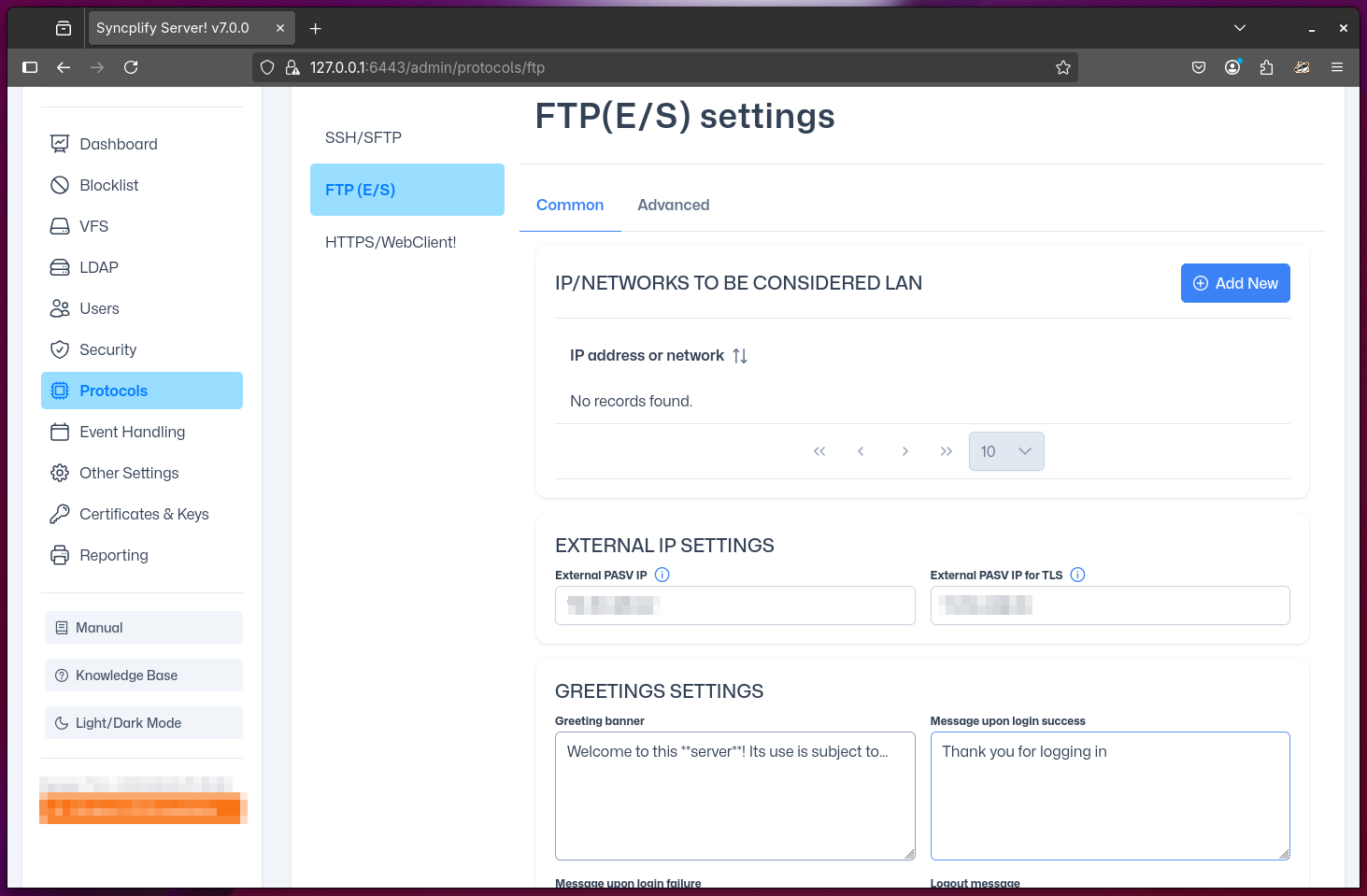
General FTP(E/S) Settings
This section covers general settings for FTP and its secure variants (FTPS, FTPES). Proper configuration ensures reliable connections for both local and remote clients.
IMPORTANT
The FTP protocol and its secure variants are defined in several RFCs, including RFC 959 (FTP), RFC 2228 (FTP Security Extensions), RFC 4217 (FTPS), and RFC 2428 (IPv6 and NAT extensions for FTP). It is fundamentally important for any administrator managing an FTP server to be thoroughly familiar with these RFCs to ensure correct and secure configuration.
Most settings are intuitive for those familiar with FTP, but a few may require clarification:
- IPs/Networks to be considered LAN: The FTP protocol (and all of its secure variations, like FTPS and FTPES) operates by establishing multiple client-server connections for each session. These connections behave differently depending on whether the client and server are in the same network (LAN—local area network) or if the client is connecting from outside the router/firewall via the public Internet (WAN—wide area network). It is essential for the server to distinguish between LAN and WAN connections. This is accomplished by explicitly telling the server which IPs and networks are to be considered part of the server's LAN. All other connections are treated as WAN.
NOTE
Correct LAN/WAN configuration is essential for passive mode FTP and for clients behind NAT/firewalls.
External IP settings: For the same reasons described above, the FTP(E/S) server must also know what public IP address it should report to the client when the client is connected from the public Internet (and not from the LAN). These may differ based on whether the client is using plain unencrypted FTP or the TLS-encrypted versions of the protocol (FTPS/FTPES), as many routers/firewalls handle them differently.
Banners: There are four banners: one sent to the client when it connects (greeting), one upon successful login, one upon failed login, and one when the user logs out. All of these fields support pre-processor variables.