
Virtual file systems (VFS)
Syncplify Server! virtualizes access to its back-end storage by means of virtual file systems (VFS) to provide a layer of unification and isolation, which ultimately delivers an increased level of security.
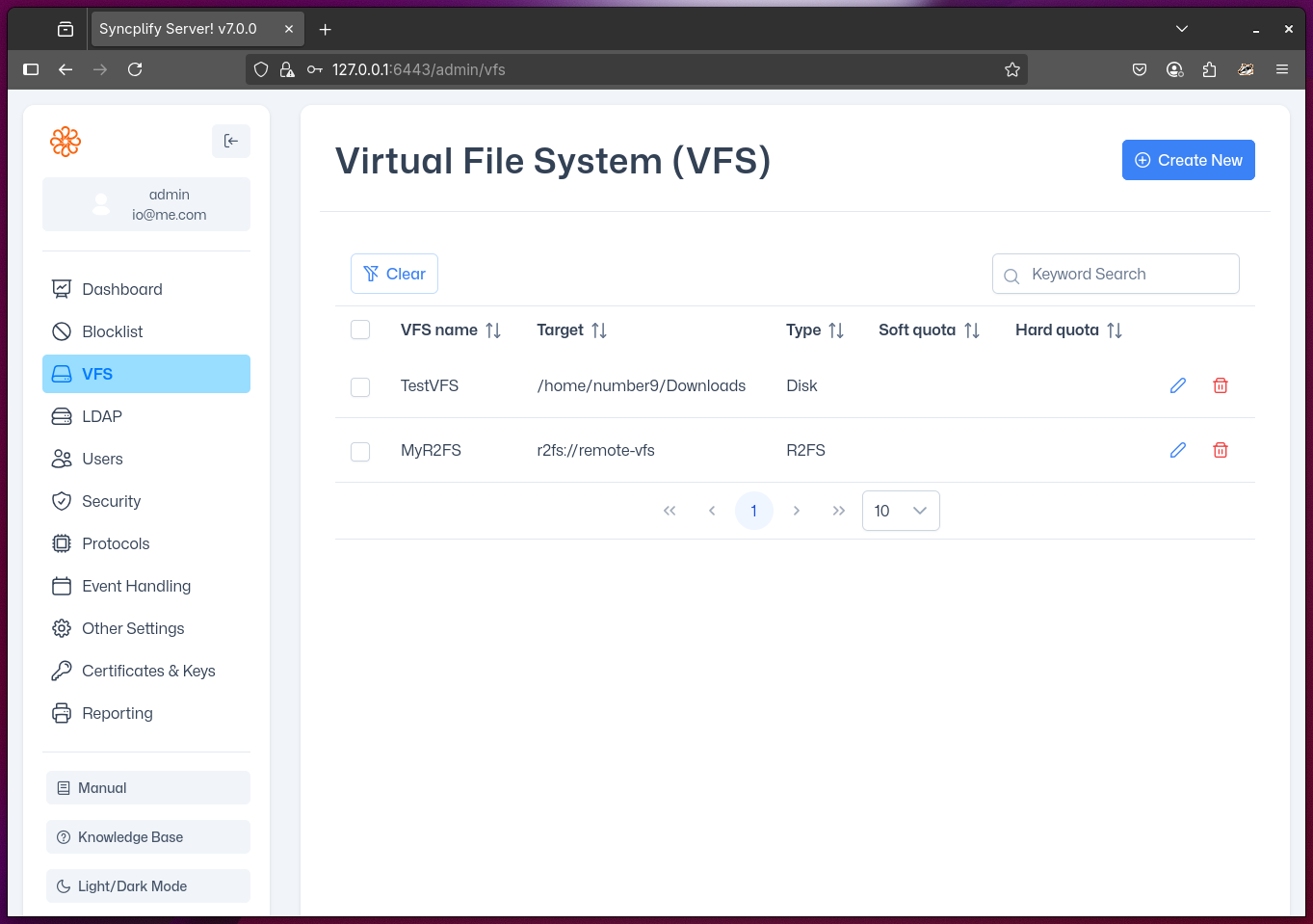
Depending on the edition (license) of Syncplify Server! you own, you may have access to some or all of the following virtual file system types:
Disk
This is the most common VFS type and is available in all editions of the software. It saves files to disk or disk-like storage.
R2FS
Remote Reverse File System (R2FS) is a proprietary technology developed by Syncplify. It allows your Syncplify Server! to store user files on a remote network, even if that network does not allow any inbound connections from the DMZ or the internet. With R2FS, your Syncplify Server! can operate in a DMZ (demilitarized zone) while securely storing all user data in a protected internal LAN subnet. No inbound firewall ports need to be opened on the internal network—only outbound connections are required from the internal storage server to the DMZ. This architecture ensures that sensitive data remains isolated and protected, providing the highest level of security and regulatory compliance.
Detailed information about how to configure this VFS type is available in the knowledge base.
NOTE
Syncplify R2FS is a distinct product whose license is sold separately. You must have an R2FS! license in addition to your Syncplify Server! license to use this VFS type.
SFTP
This VFS type allows Syncplify Server! to act as a reverse-proxy to another (remote or in-LAN) SFTP server. Files uploaded to or downloaded from Syncplify Server! are transparently transferred to or from the remote SFTP server. This is useful for integrating with existing SFTP infrastructure without exposing it directly to clients, and can provide an additional layer of security and isolation.
NOTE
You must provide valid credentials and connection details for the remote SFTP server.
Detailed information about how to configure this VFS type is available in the knowledge base.
S3
This VFS type enables Syncplify Server! to store files in an Amazon S3 (AWS) cloud object storage backend.
NOTE
You must configure the appropriate S3 bucket and provide valid AWS credentials.
Detailed information about how to configure this VFS type is available in the knowledge base.
Azure
This VFS type enables Syncplify Server! to store files in a Microsoft Azure Blob Storage backend.
NOTE
You must configure the appropriate Azure storage container and provide valid Azure credentials.
Detailed information about how to configure this VFS type is available in the knowledge base.
GCP
This VFS type enables Syncplify Server! to store files in a Google Cloud Platform (GCP) object storage backend.
NOTE
You must configure the appropriate GCP storage bucket and provide valid GCP credentials.
Detailed information about how to configure this VFS type is available in the knowledge base.