
Backup/Restore
Backup
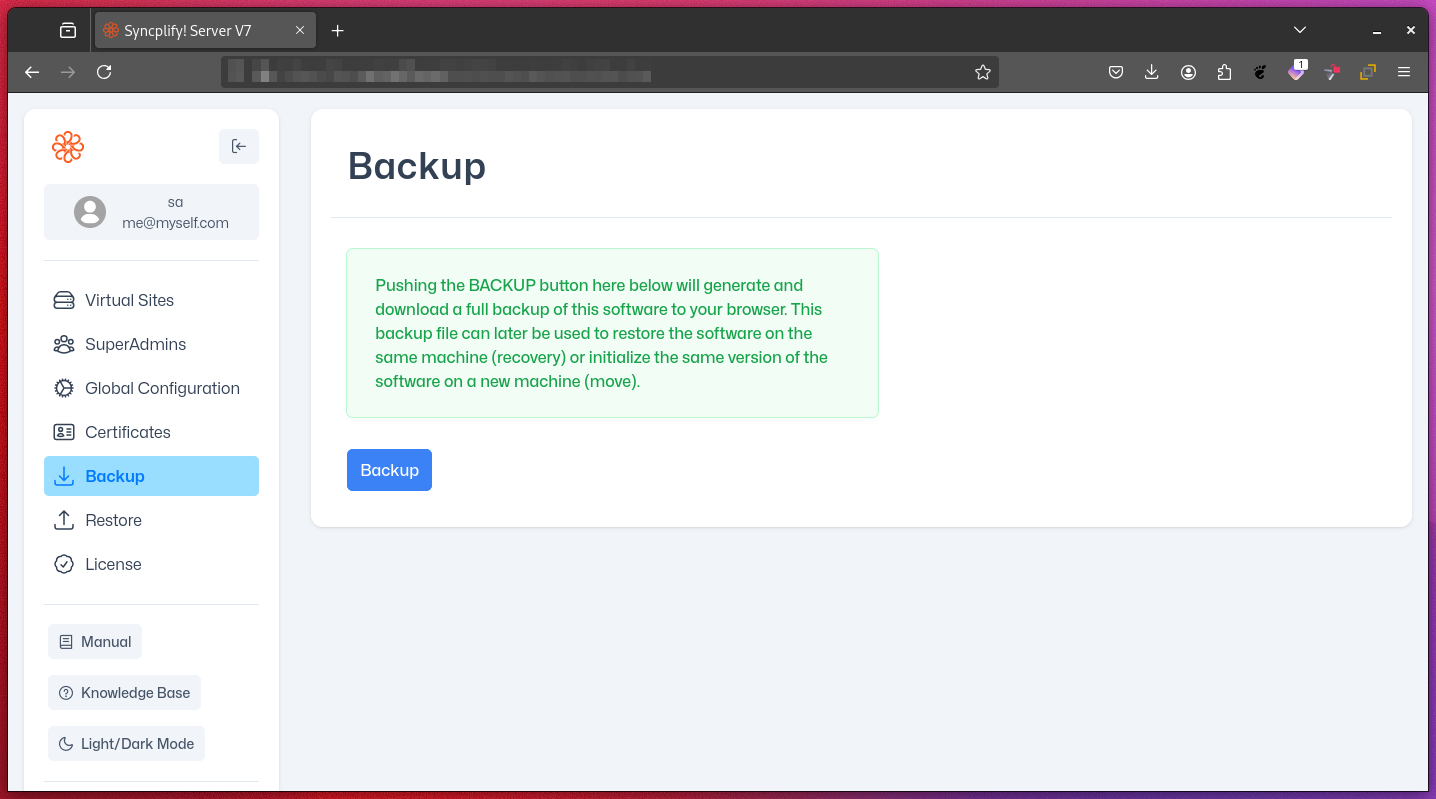
From the SuperAdmin UI, you can easily export a full backup of your Syncplify Server! configuration. This backup includes all virtual sites, their users, VFSs, and settings.
To take a full backup, simply click the backup button:
Restore
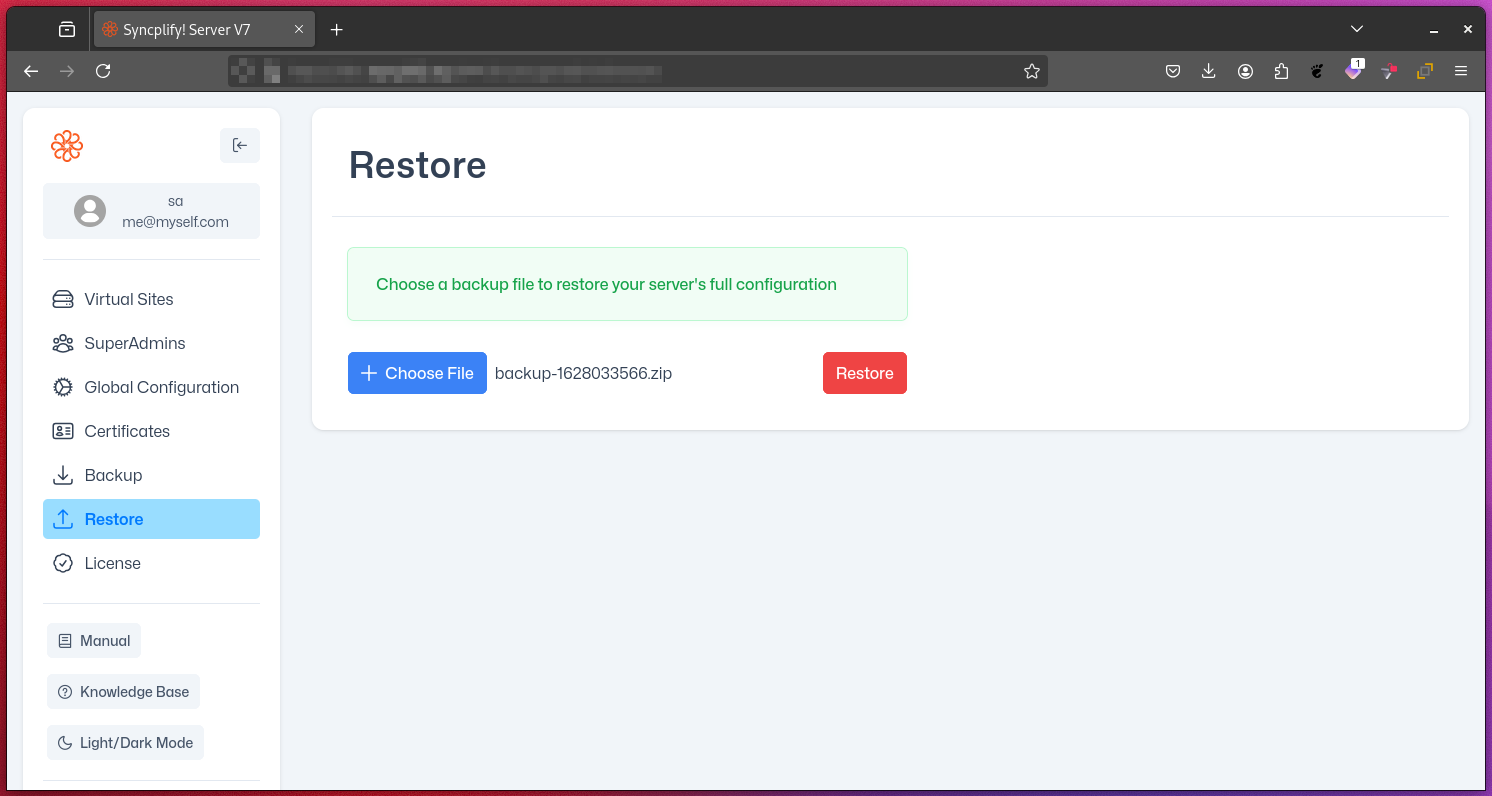
Restoring your entire Syncplify Server!—including all virtual sites, users, VFSs, and settings—is just as simple. Select the backup file (a .zip archive) and click the Restore button:
WARNING
Restoring from a backup is a destructive operation and cannot be undone. The restored configuration will completely overwrite your current Syncplify Server! setup, including all virtual sites, users, VFSs, and settings.