
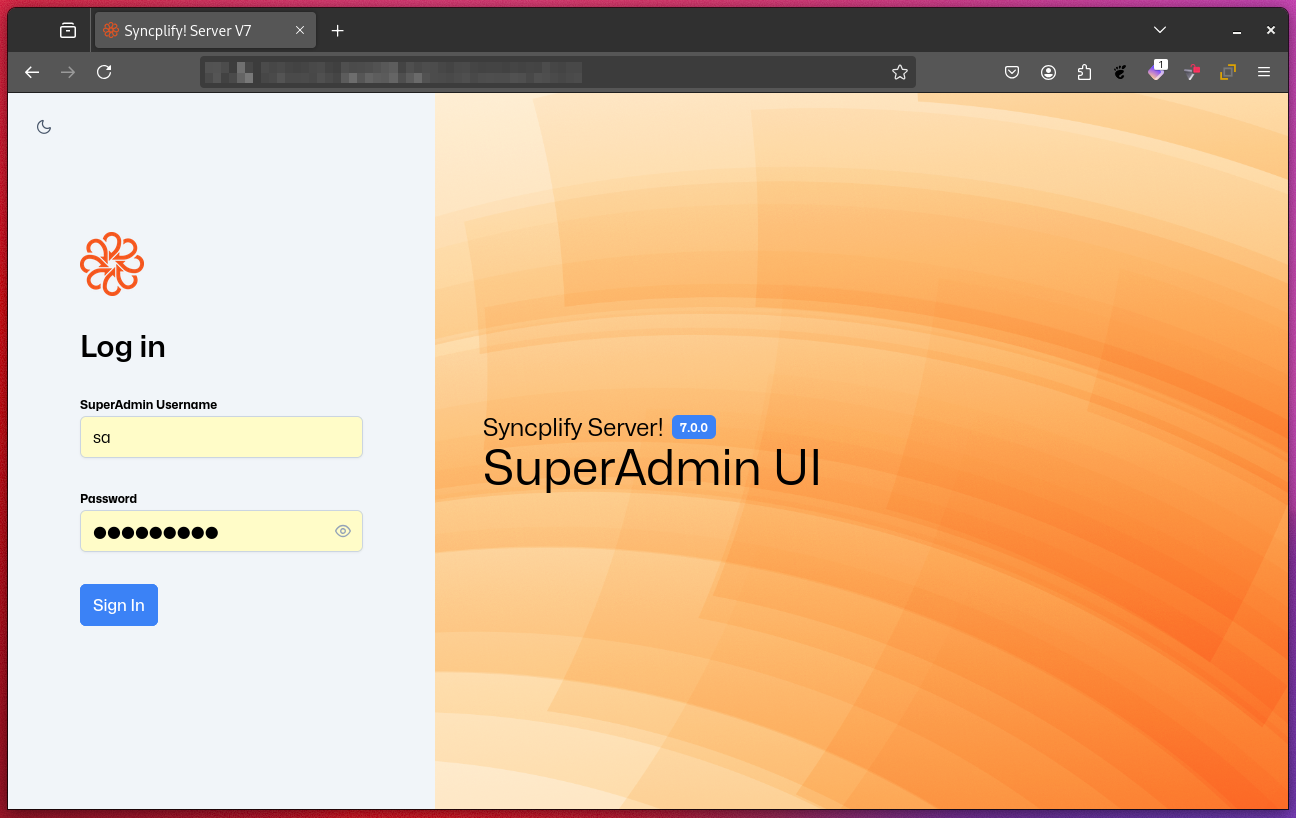
Logging into the SuperAdmin UI
To access the SuperAdmin UI, open any modern web browser (except Internet Explorer) and navigate to the following URL format:
https://<your-hostname-or-ip>:<port>/superadmin/<your-hostname-or-ip>: The DNS name or IP address of your Syncplify Server! instance.<port>: The HTTPS port for administration (default is6443unless you changed it during setup).
Example
If your server's hostname is files.example.com and you are using the default port, the URL will be:
https://files.example.com:6443/superadmin/NOTE
The connection must use HTTPS. On first access, your browser may display a security warning if the server uses a self-signed certificate. You can safely accept this warning and proceed.
TIP
Make sure your firewall and network settings allow access to the chosen port from your location.