
Custom Response Headers
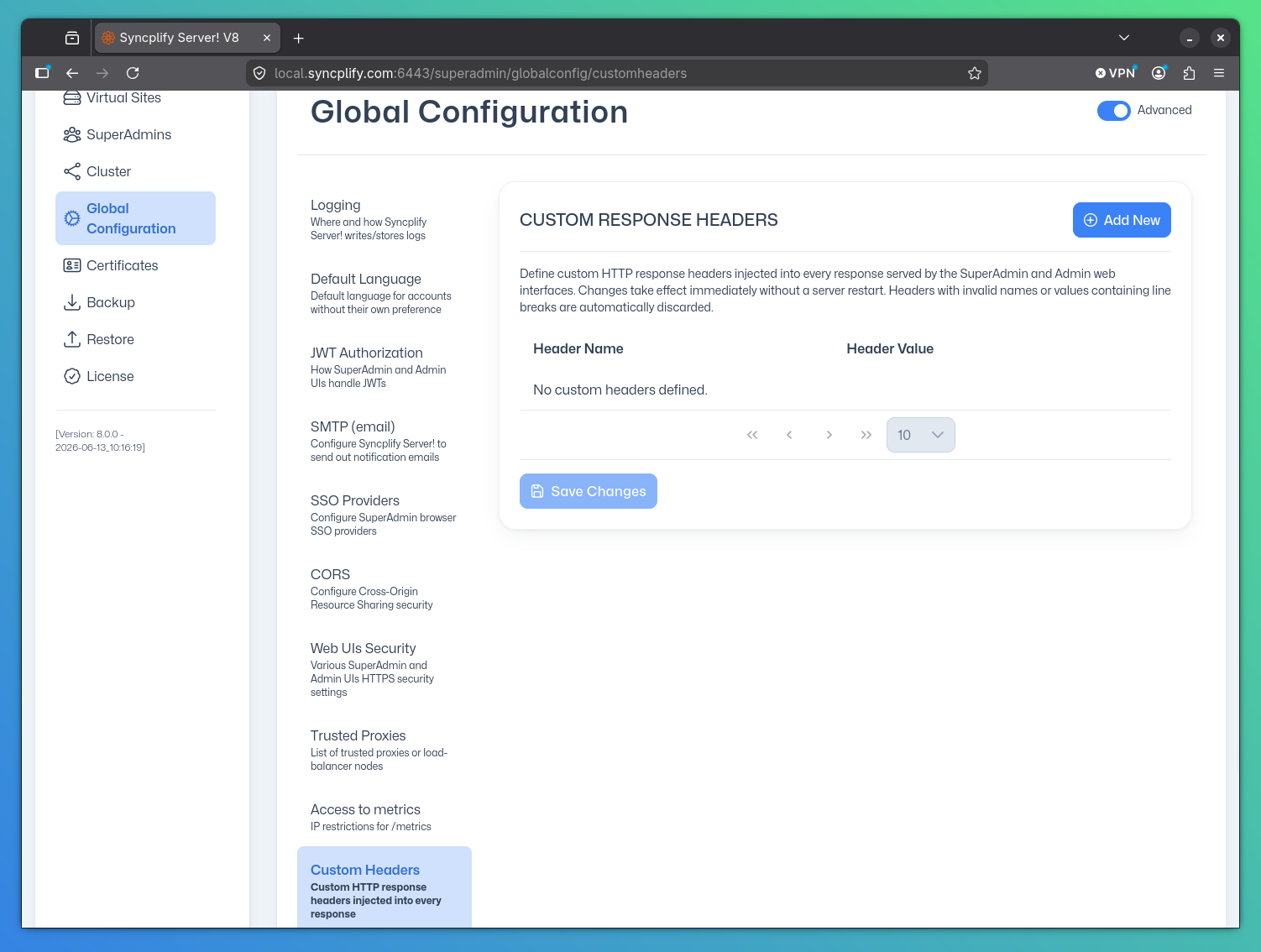
The Custom Headers section of the Global Configuration page lets you define additional HTTP response headers that are injected into every response served by both the SuperAdmin UI and the Admin UI HTTP services. Changes take effect immediately without a server restart.
NOTE
These global custom headers apply to the SuperAdmin and Admin web interfaces only. WebClient! virtual sites have their own per-site custom headers setting, found in the Custom Headers tab of the virtual site HTTP settings.
Use Cases
- Add cache-control directives to prevent browsers from caching administration pages
- Set environment-identification headers for monitoring and logging systems
- Fulfill compliance requirements that mandate the presence of specific response headers across all management interfaces
Adding a Header
Click Add New, enter the header name and its value in the dialog that appears, then click Add Header. Once you have finished making changes, click Save Changes to persist the updated list.
Deleting a Header
Click the trash icon next to any header row and confirm the deletion in the prompt. Click Save Changes to persist the change.
CAUTION
Custom headers are injected into every response for the management interfaces. Avoid duplicating or overriding headers that are already managed automatically by Syncplify Server! (such as Content-Type, Date, or security headers already controlled by the Security section). Doing so may cause unexpected behavior for administrators.
NOTE
Header names are validated against RFC 7230 token rules and values containing line-break characters (CR, LF) are automatically rejected. This prevents HTTP response splitting vulnerabilities.
Further Reading
- RFC 7230: HTTP/1.1 Message Syntax and Routing (defines valid header name tokens)
- OWASP HTTP Response Splitting